Let's read what you copied!
Pets are more fun when they notice what you’re up to! In Godot, the clipboard (whatever you last copied) is handled by DisplayServer, the same thing your pet already uses to move its window.
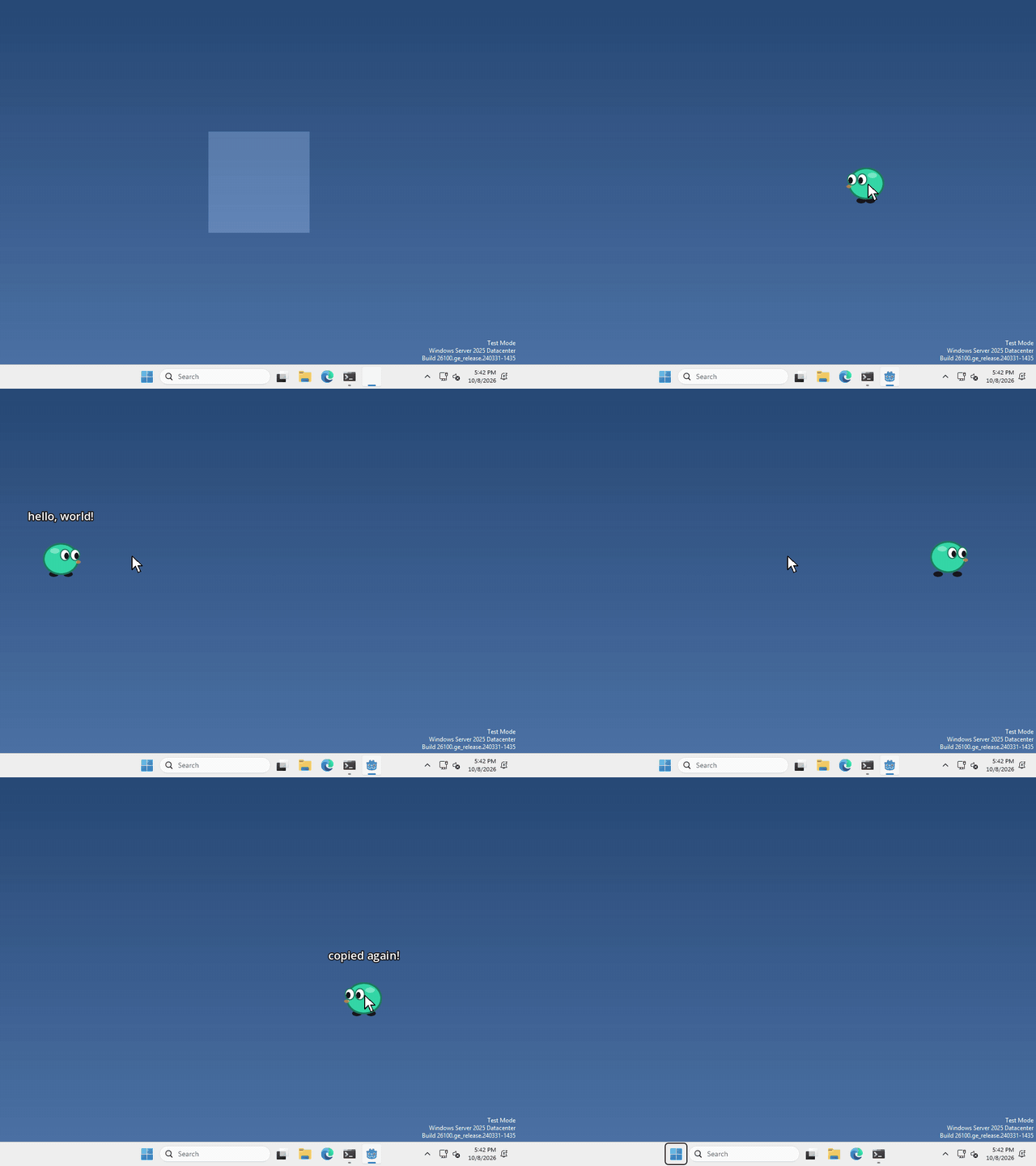
I made mine read out whatever you copied every time you drop it, but what your pet does with it, and when, is up to you.
Read it
there’s no node to add this time, DisplayServer is always there. to get the text on the clipboard, run
var copied = DisplayServer.clipboard_get()that’s a normal piece of text, so you can show it in a Label, check what’s in it, or do anything else you’d do with text. If nothing has been copied, you get an empty one ("").
Put something on it
your pet can copy things too, run
DisplayServer.clipboard_set("hi!")and the next time anyone pastes, they get "hi!". Only change it when you mean to though, it’s the player’s clipboard, not just your pet’s!
That’s it!
Want more?
You can check whether anything is on the clipboard, read an image from it, and a lot more. It’s all in the DisplayServer docs.