Build a desktop pet in Godot
step 6 of 7: Make it your own
Make it your own!
Don't just follow this guide and change nothing. Make the project your own! Experiment, and do something entirely different.
There are so many things you can do, and this guide is here to show you the ropes so you can do something for yourself.
If you need ideas or help, ask in #Playground we’ll be glad to help!
Click the pet
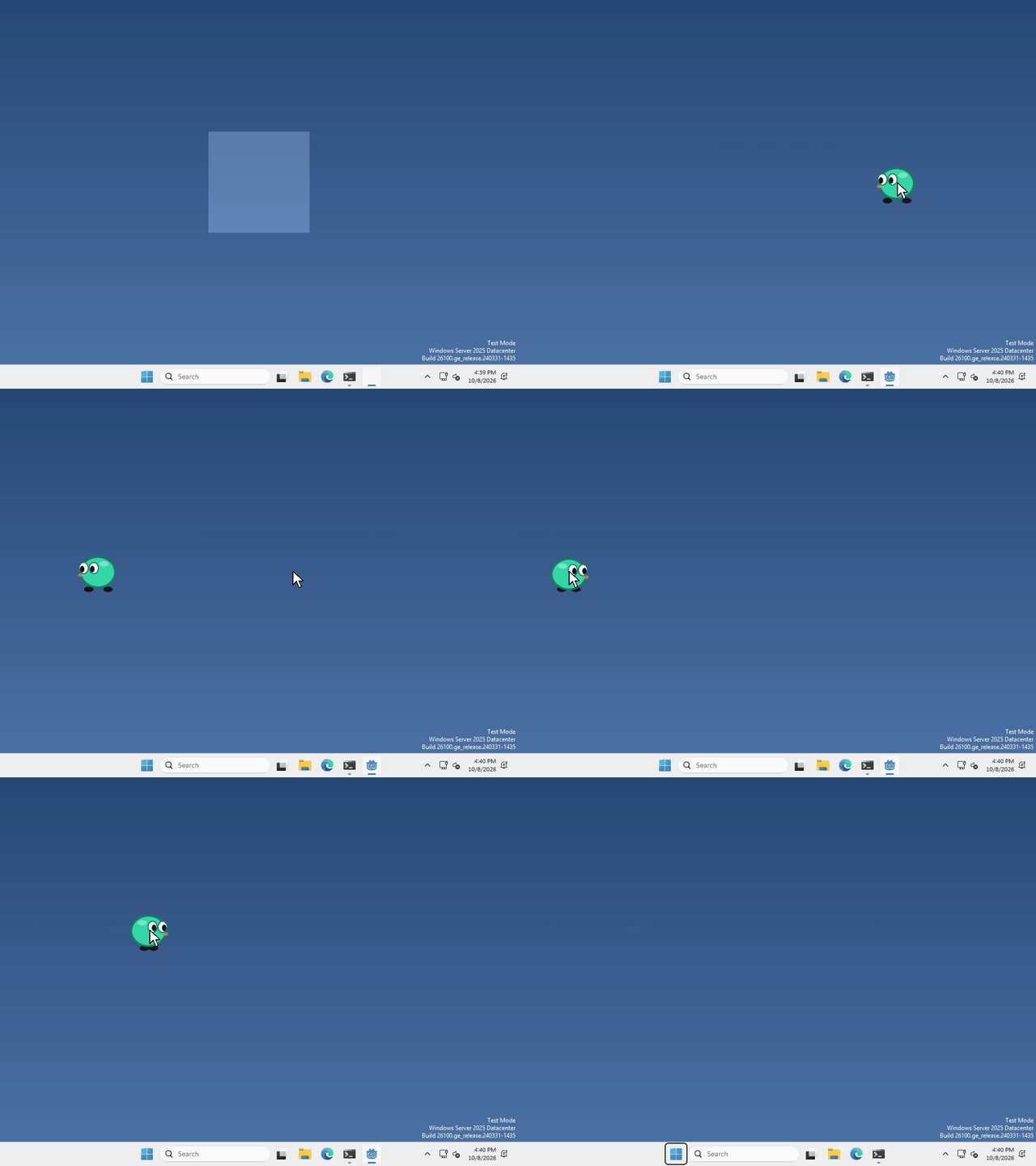 Open the guide to Click the pet, in a new tab.
Double click
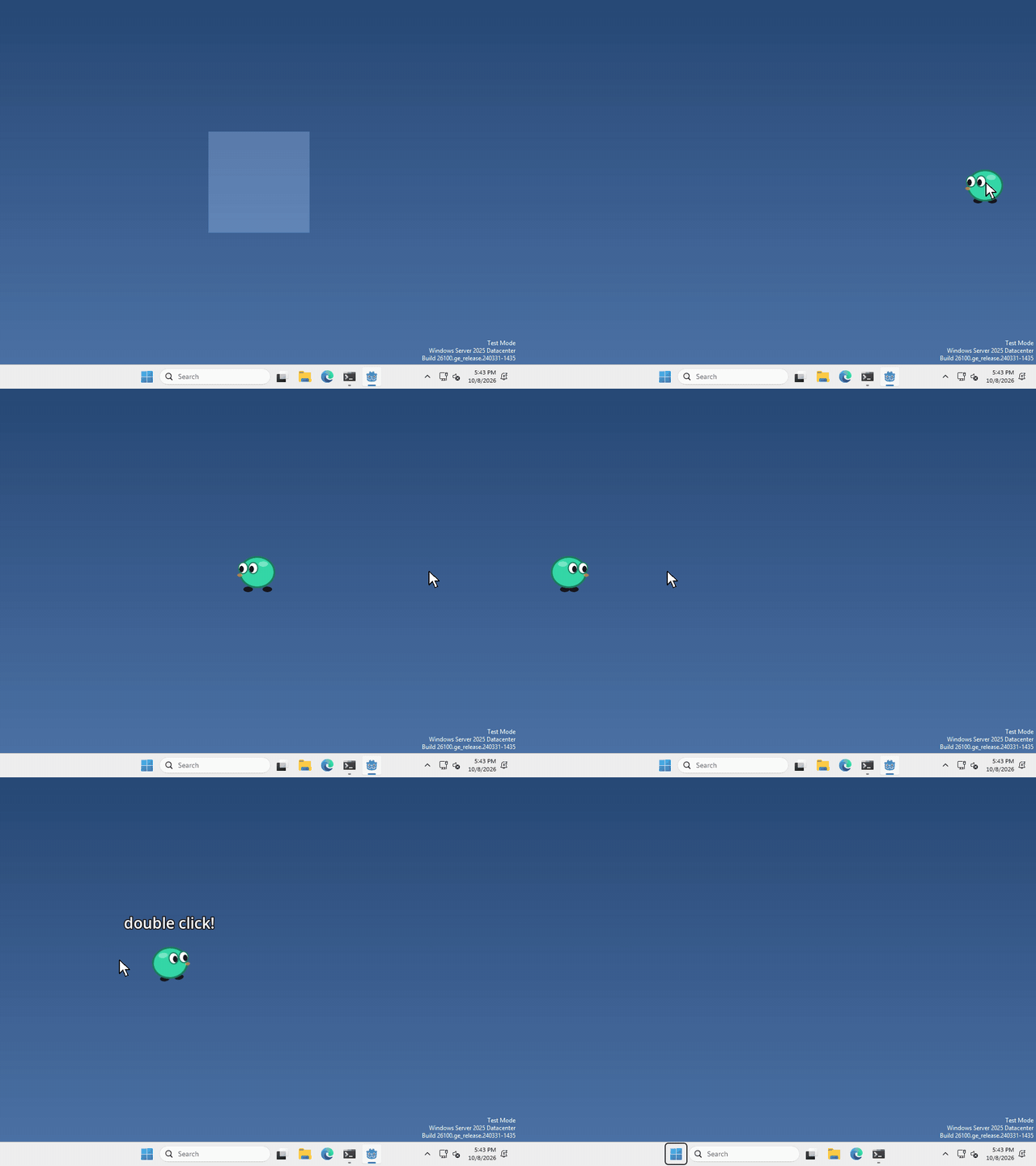 Open the guide to Double click, in a new tab.
Right-click menu
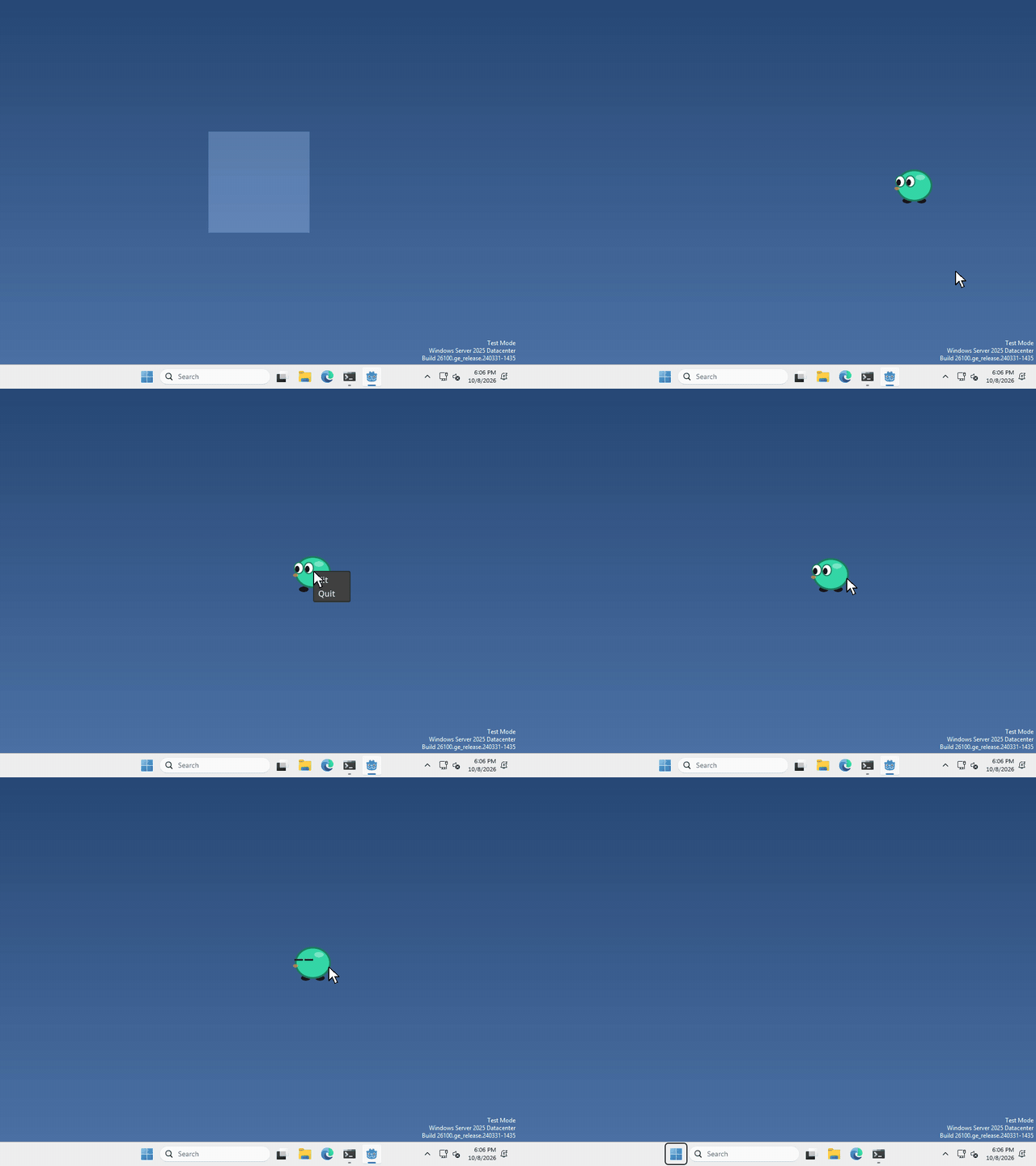 Open the guide to Right-click menu, in a new tab.
Hover
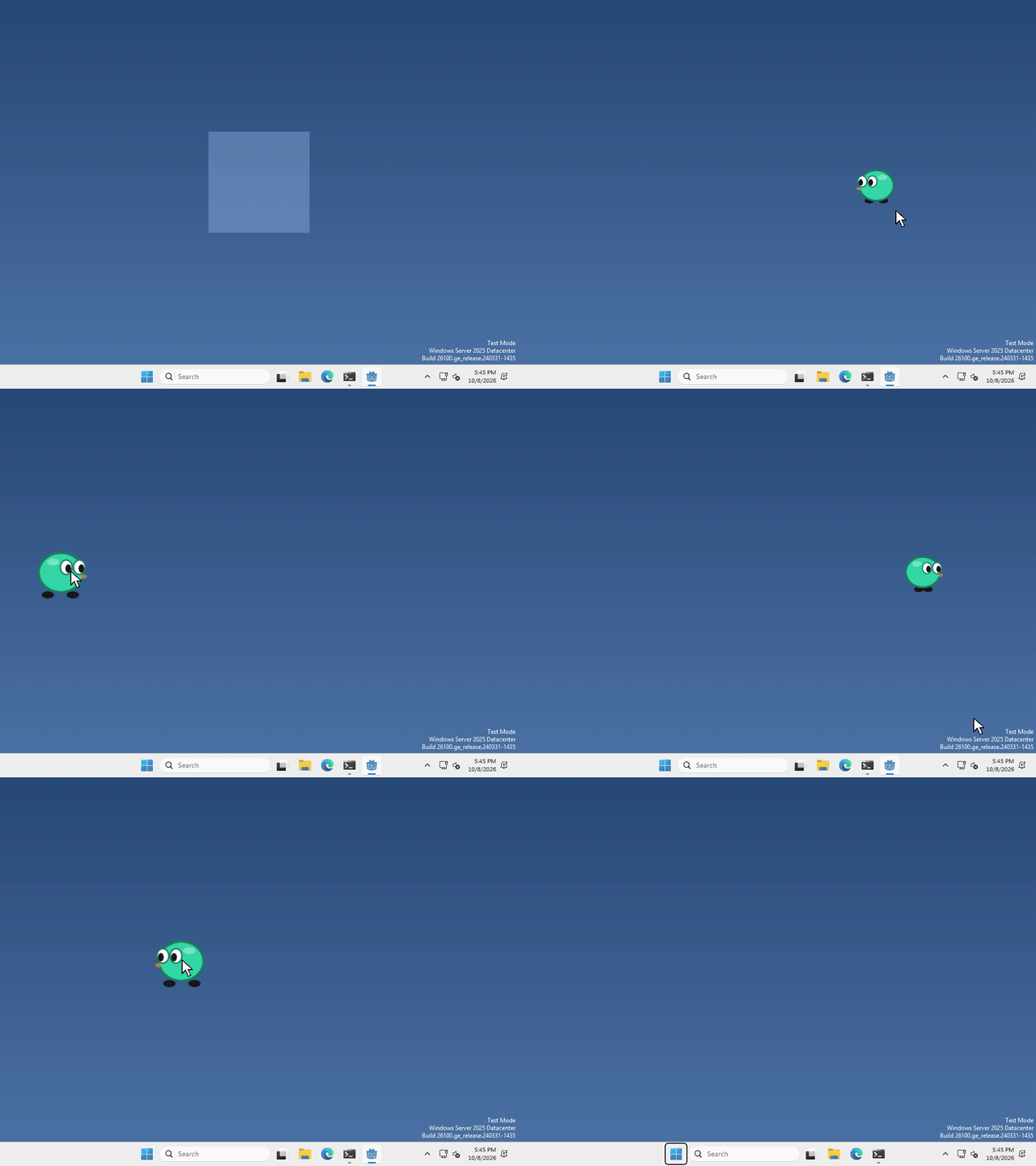 Open the guide to Hover, in a new tab.
Scroll wheel
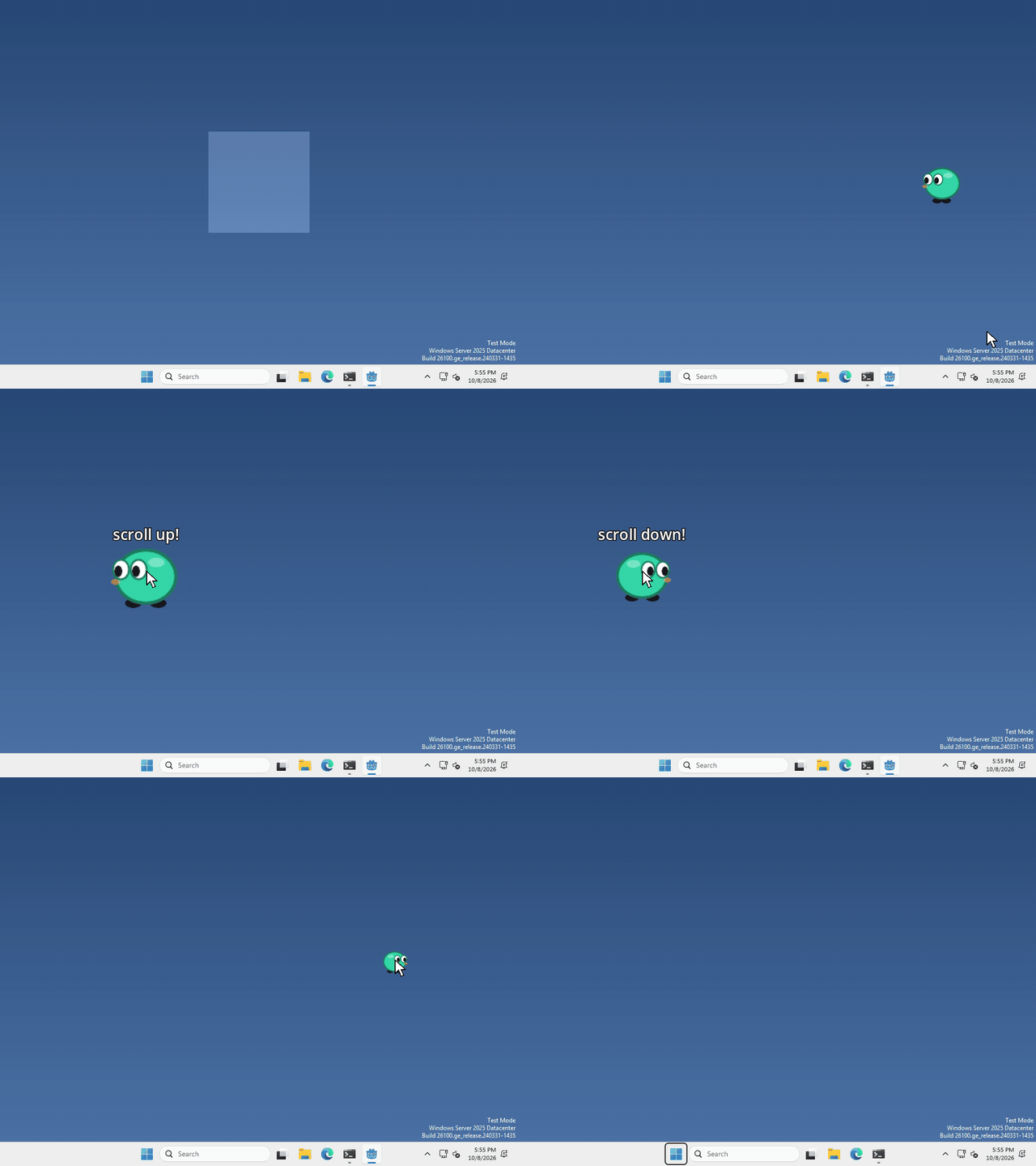 Open the guide to Scroll wheel, in a new tab.
Keyboard shortcut
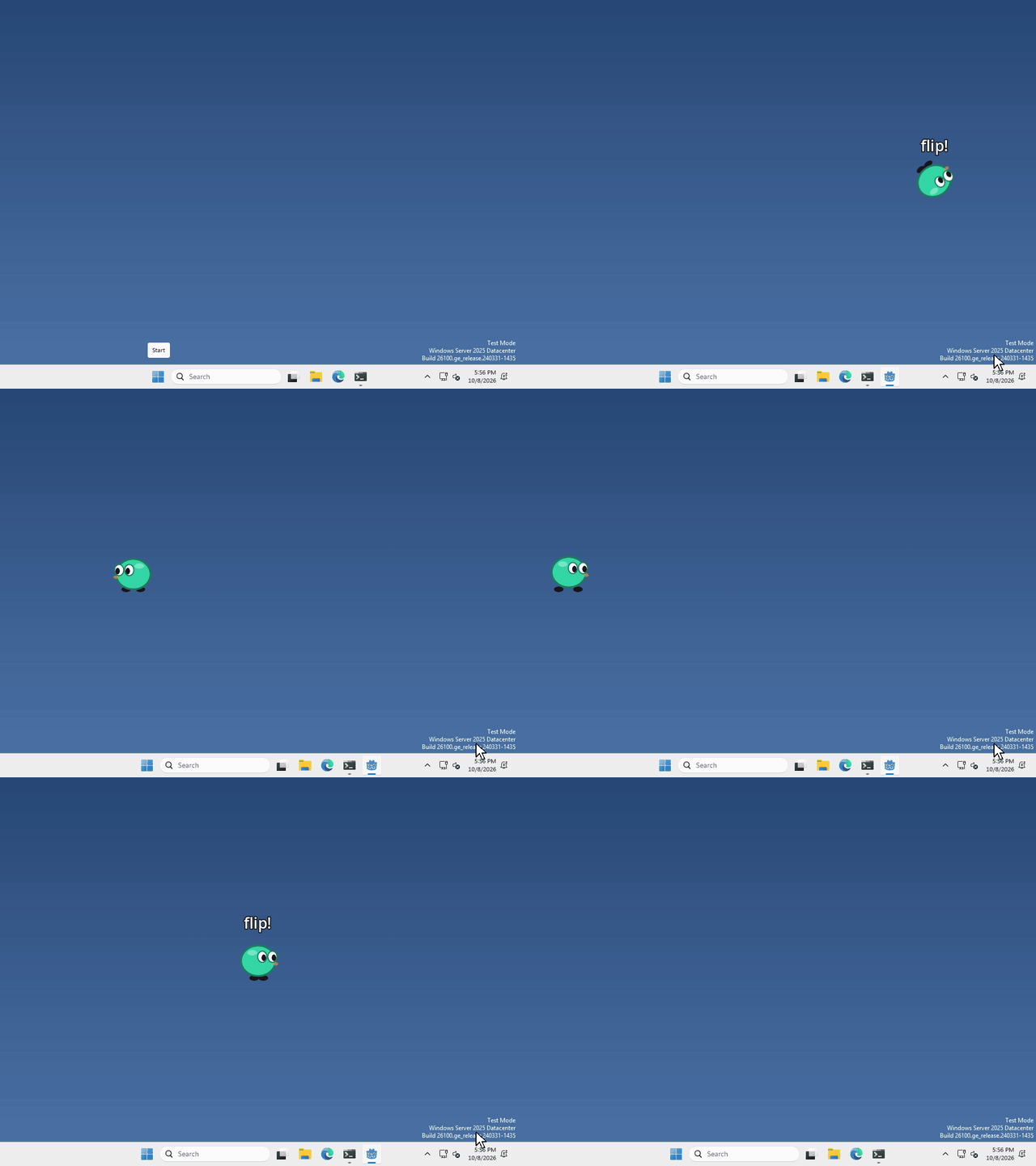 Open the guide to Keyboard shortcut, in a new tab.
Follow the mouse
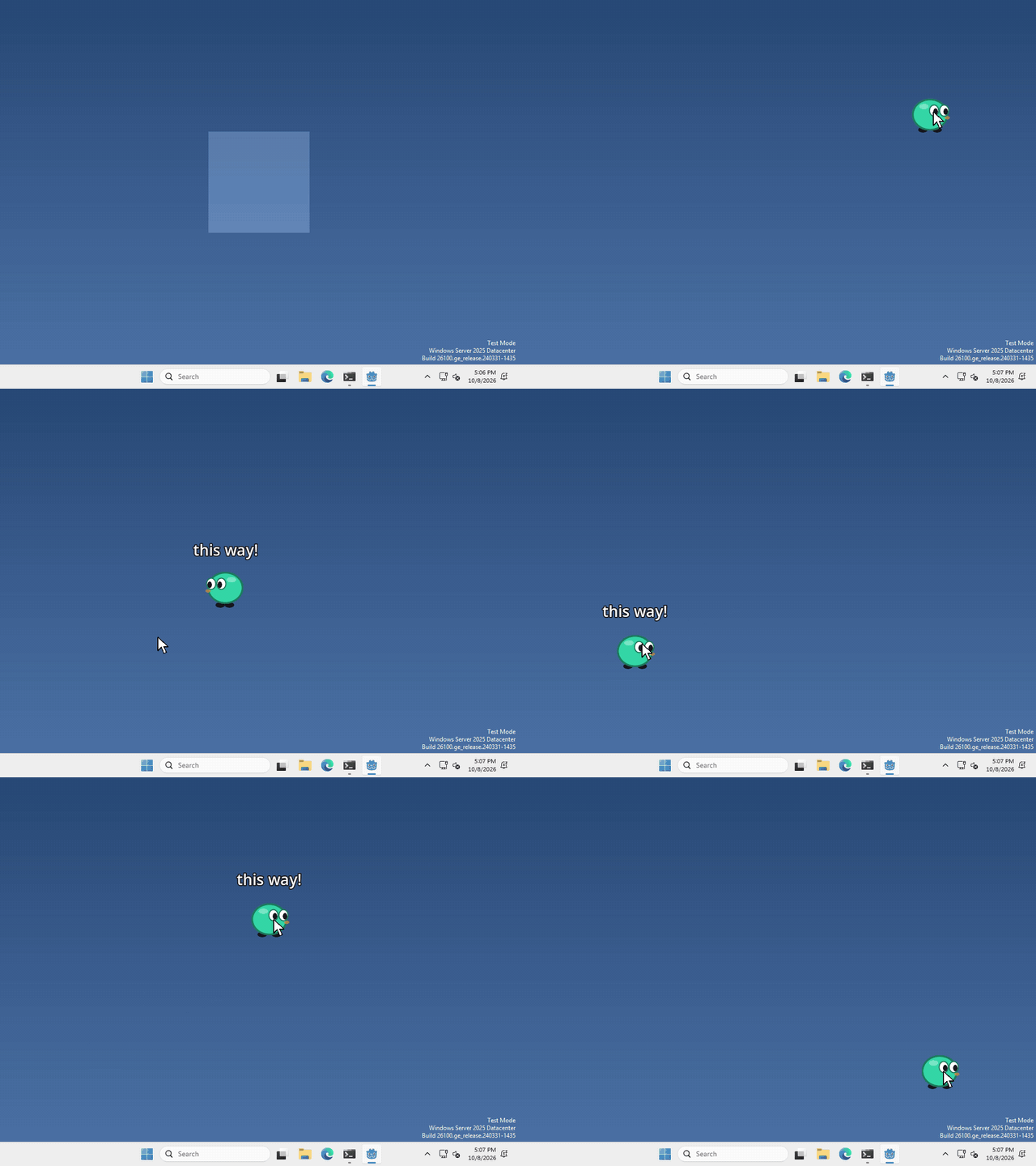 Open the guide to Follow the mouse, in a new tab.
Throw
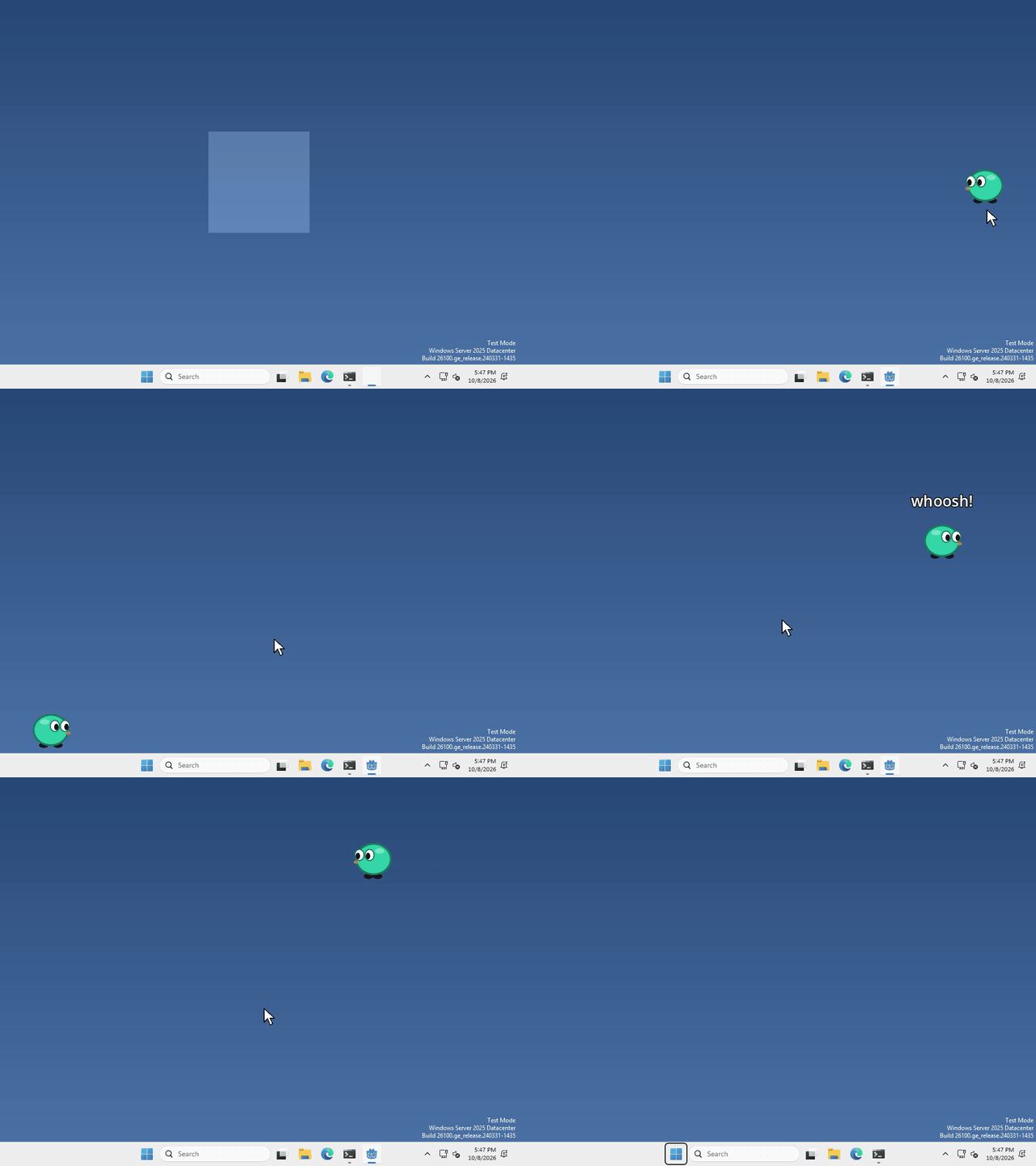 Open the guide to Throw, in a new tab.
Sound effect
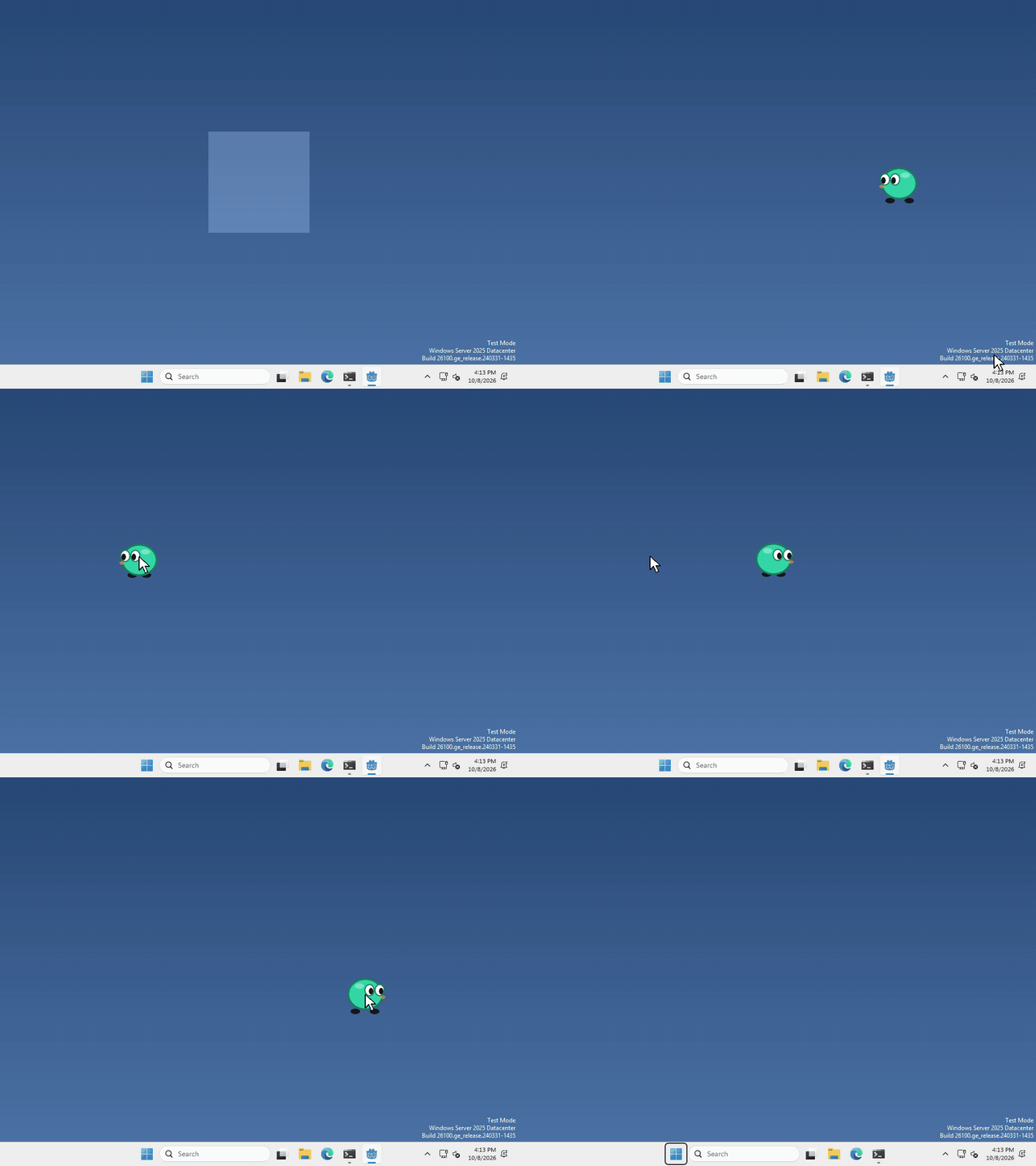 Open the guide to Sound effect, in a new tab.
Speech bubble
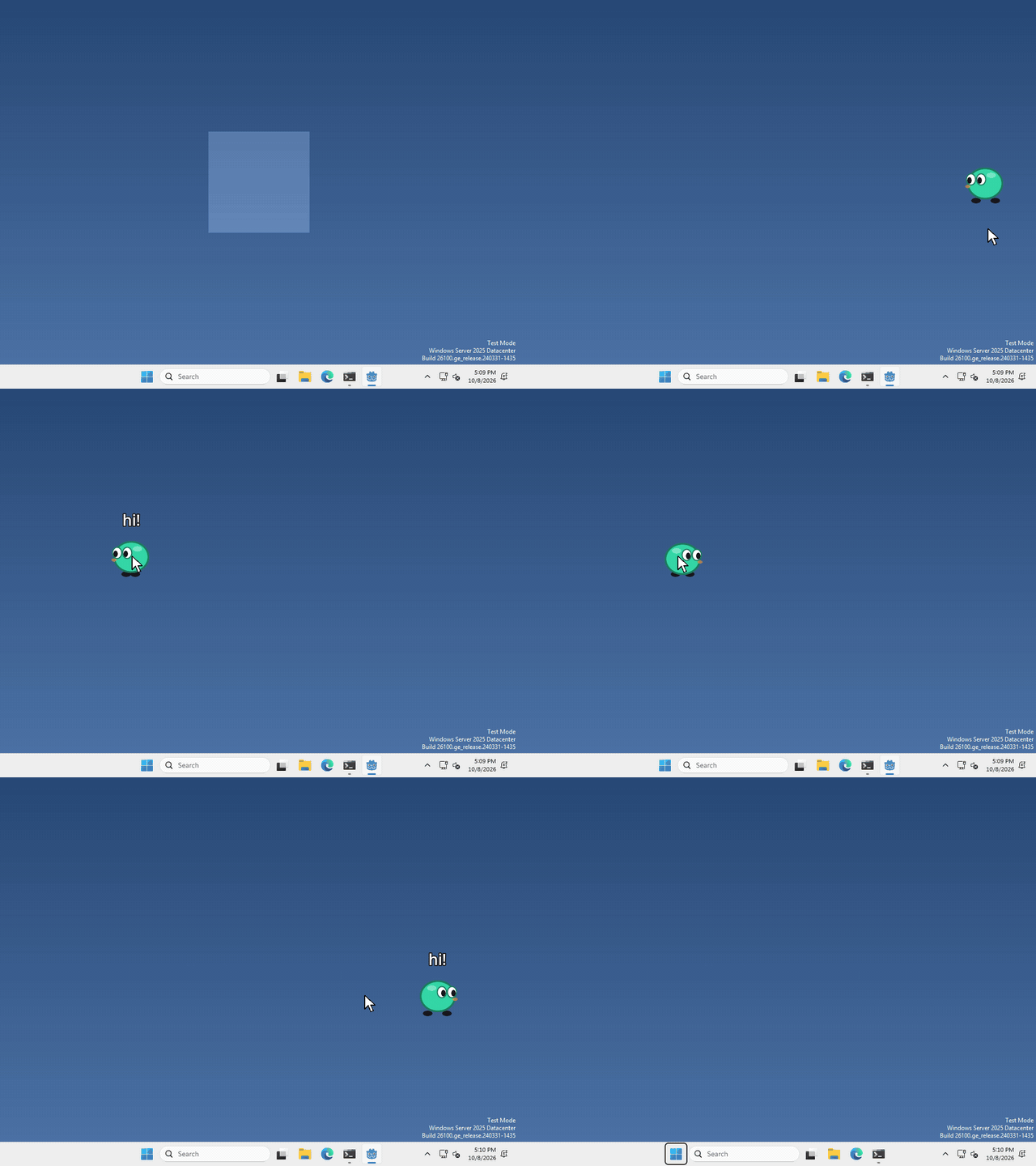 Open the guide to Speech bubble, in a new tab.
Particles
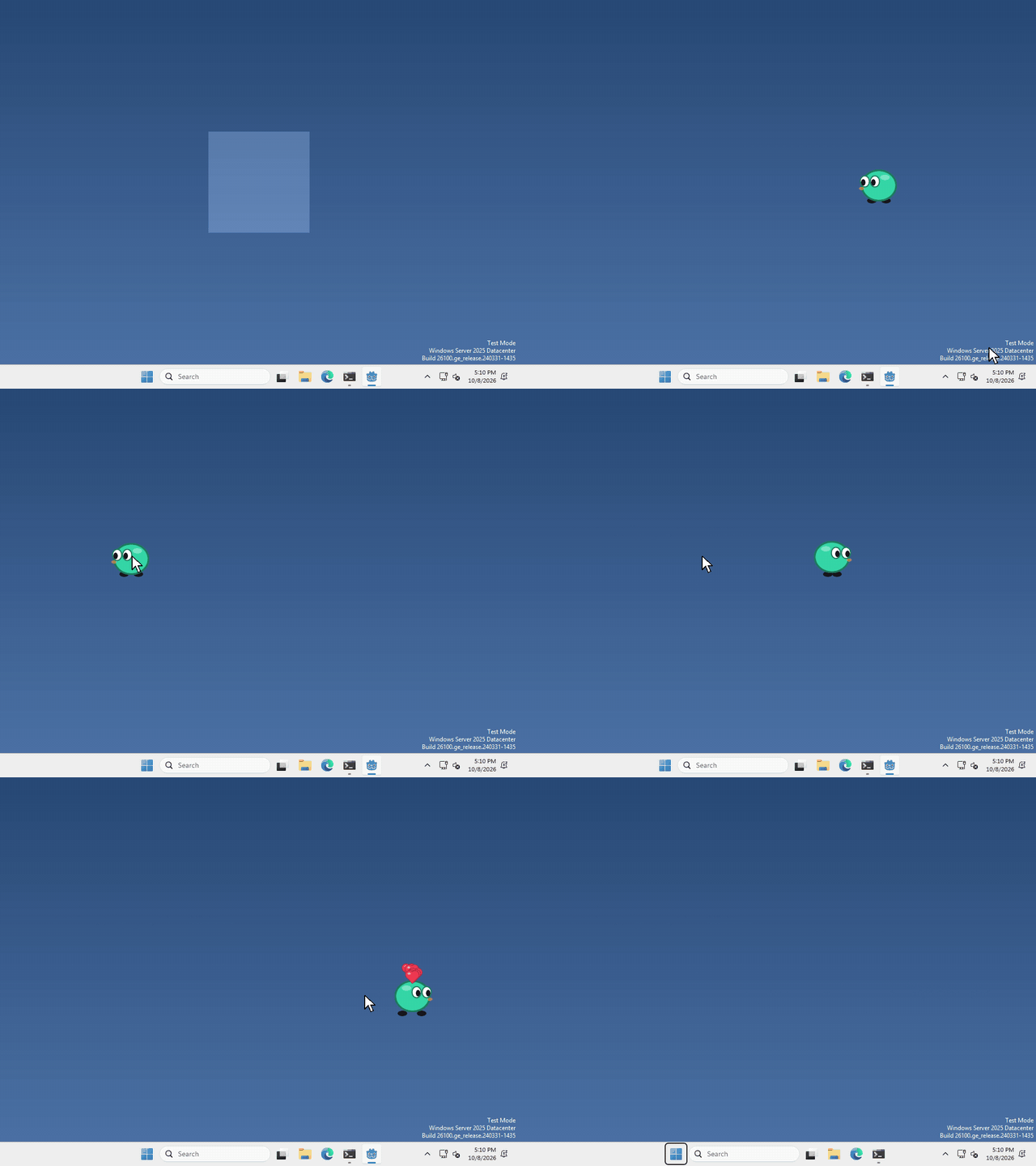 Open the guide to Particles, in a new tab.
Shader
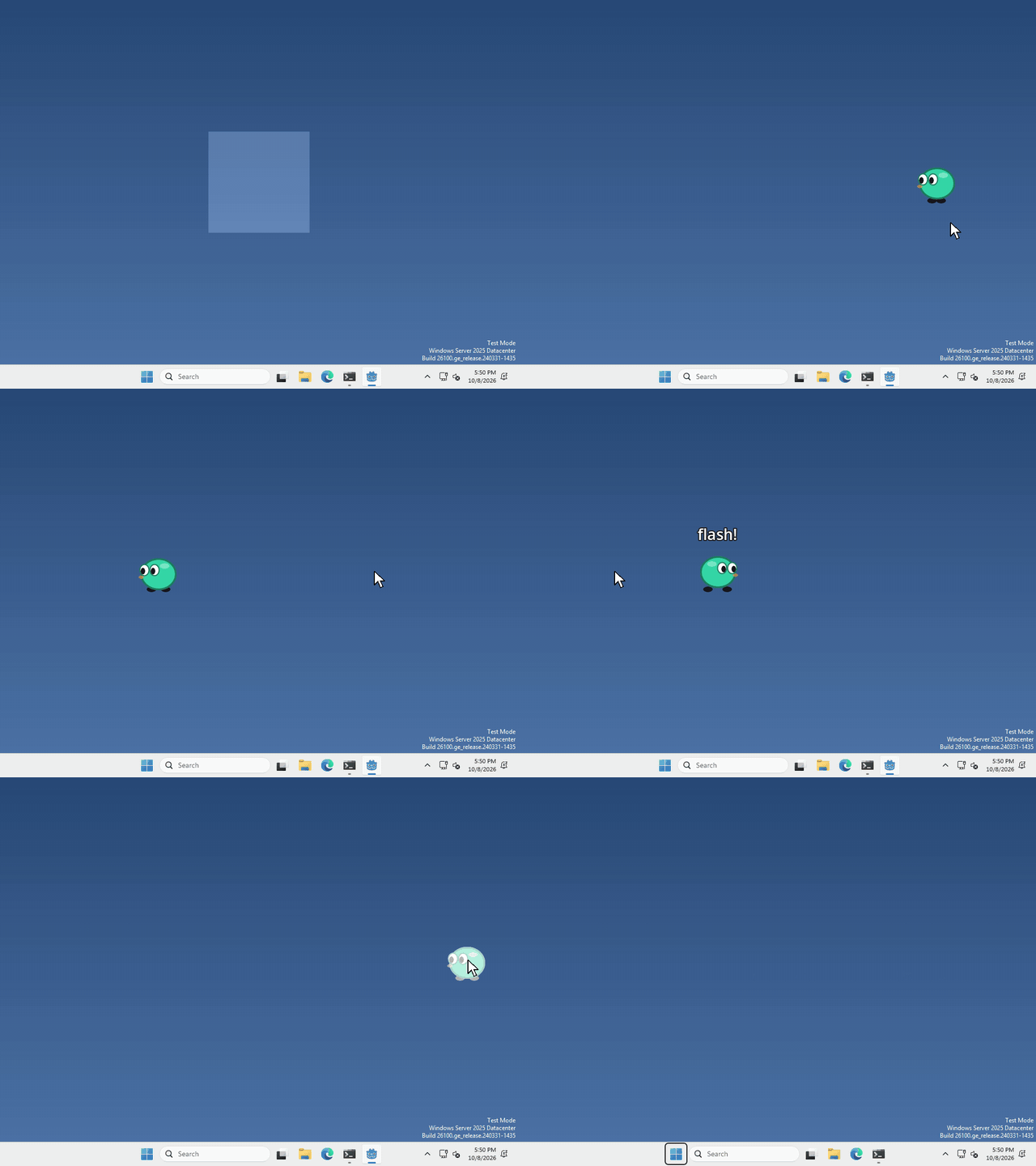 Open the guide to Shader, in a new tab.
Face direction
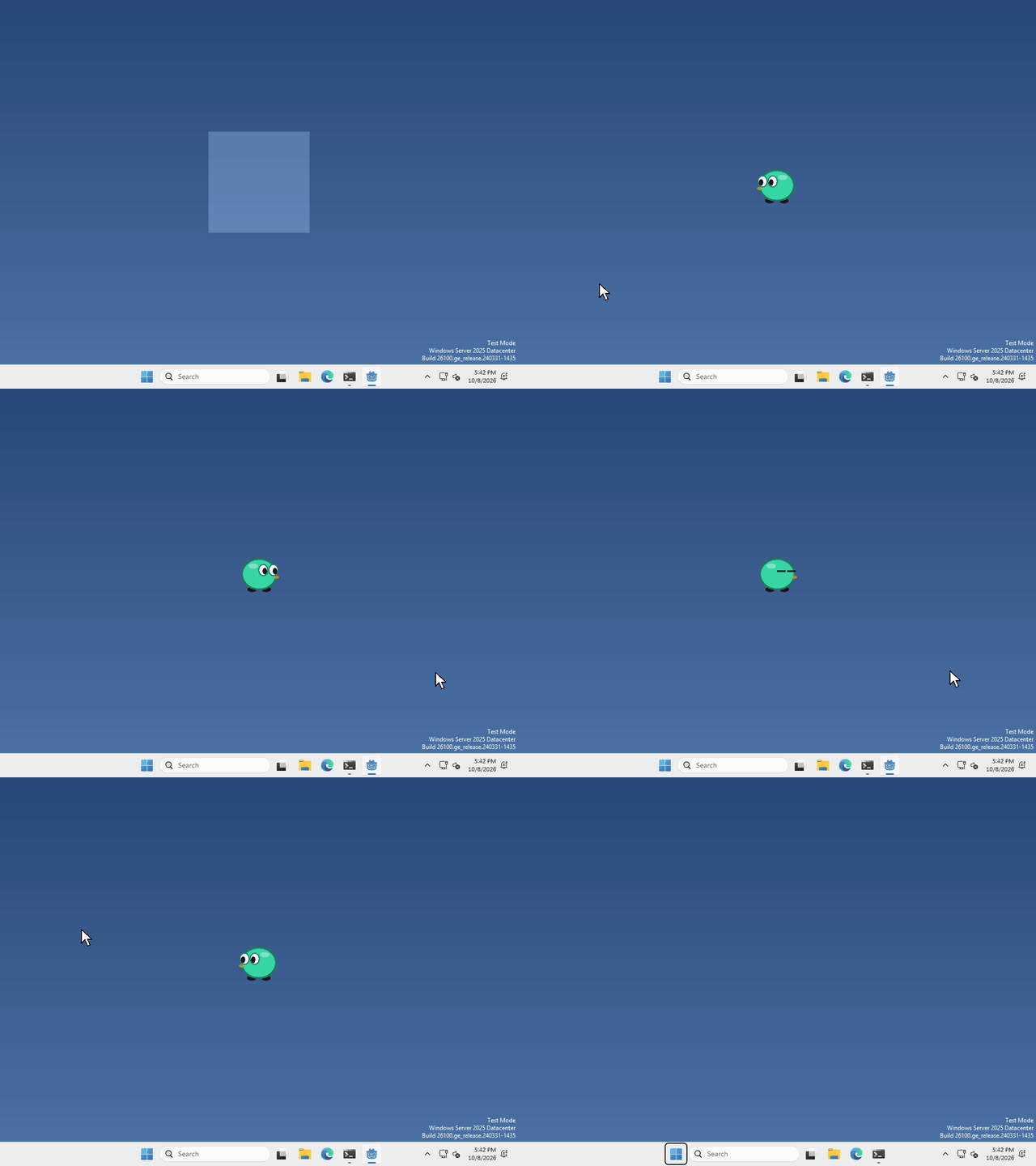 Open the guide to Face direction, in a new tab.
Timer
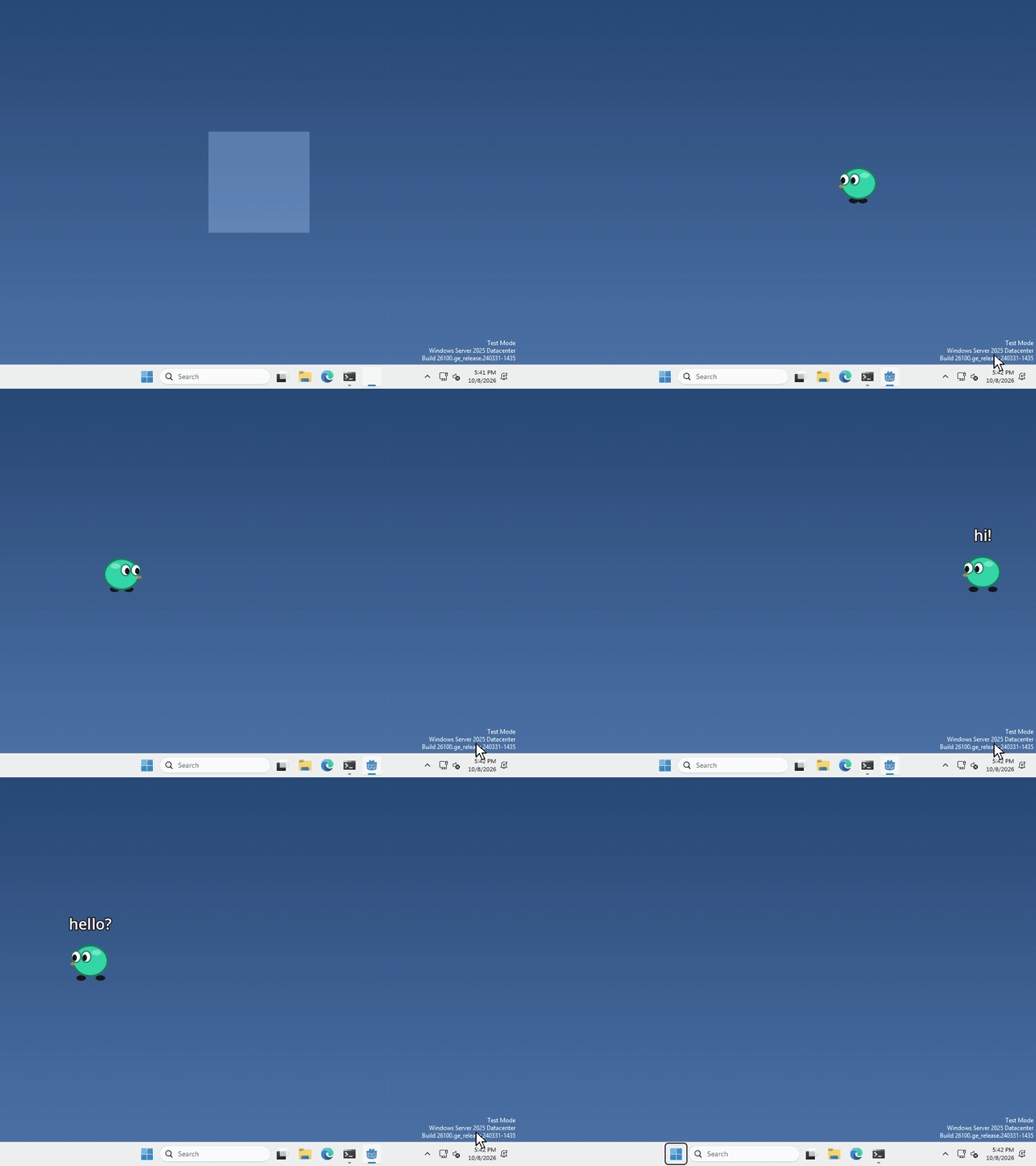 Open the guide to Timer, in a new tab.
Random
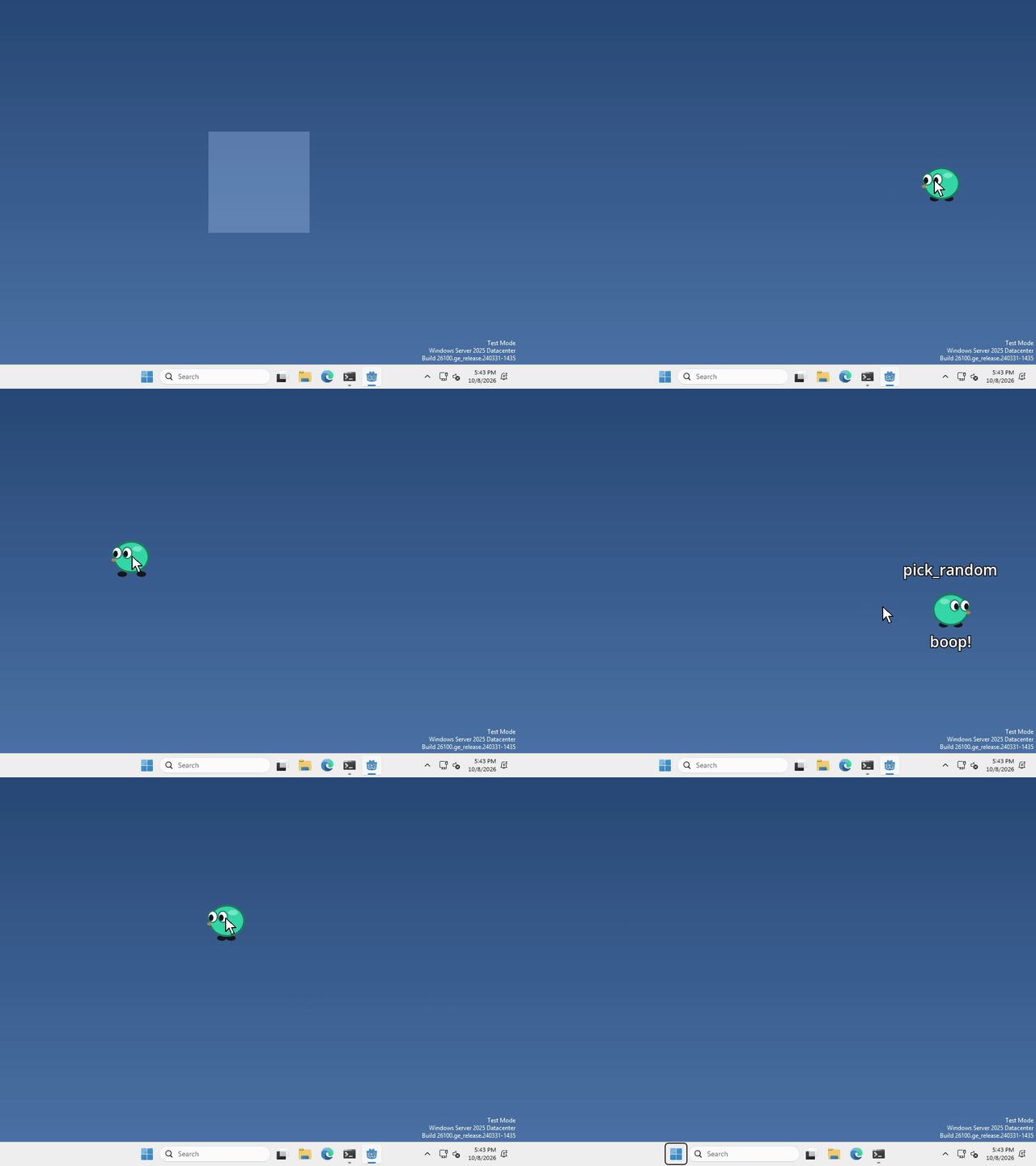 Open the guide to Random, in a new tab.
Clock
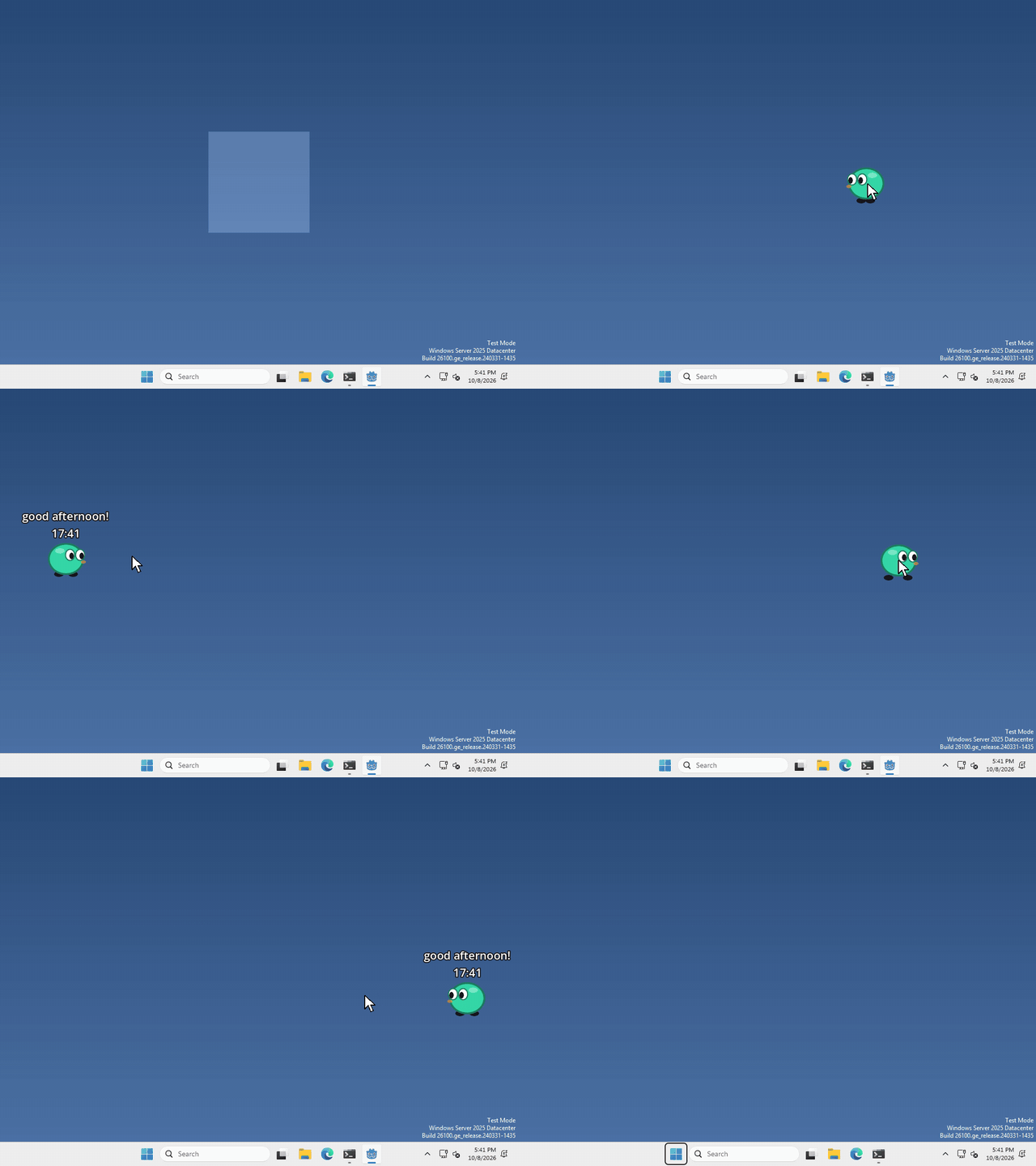 Open the guide to Clock, in a new tab.
States
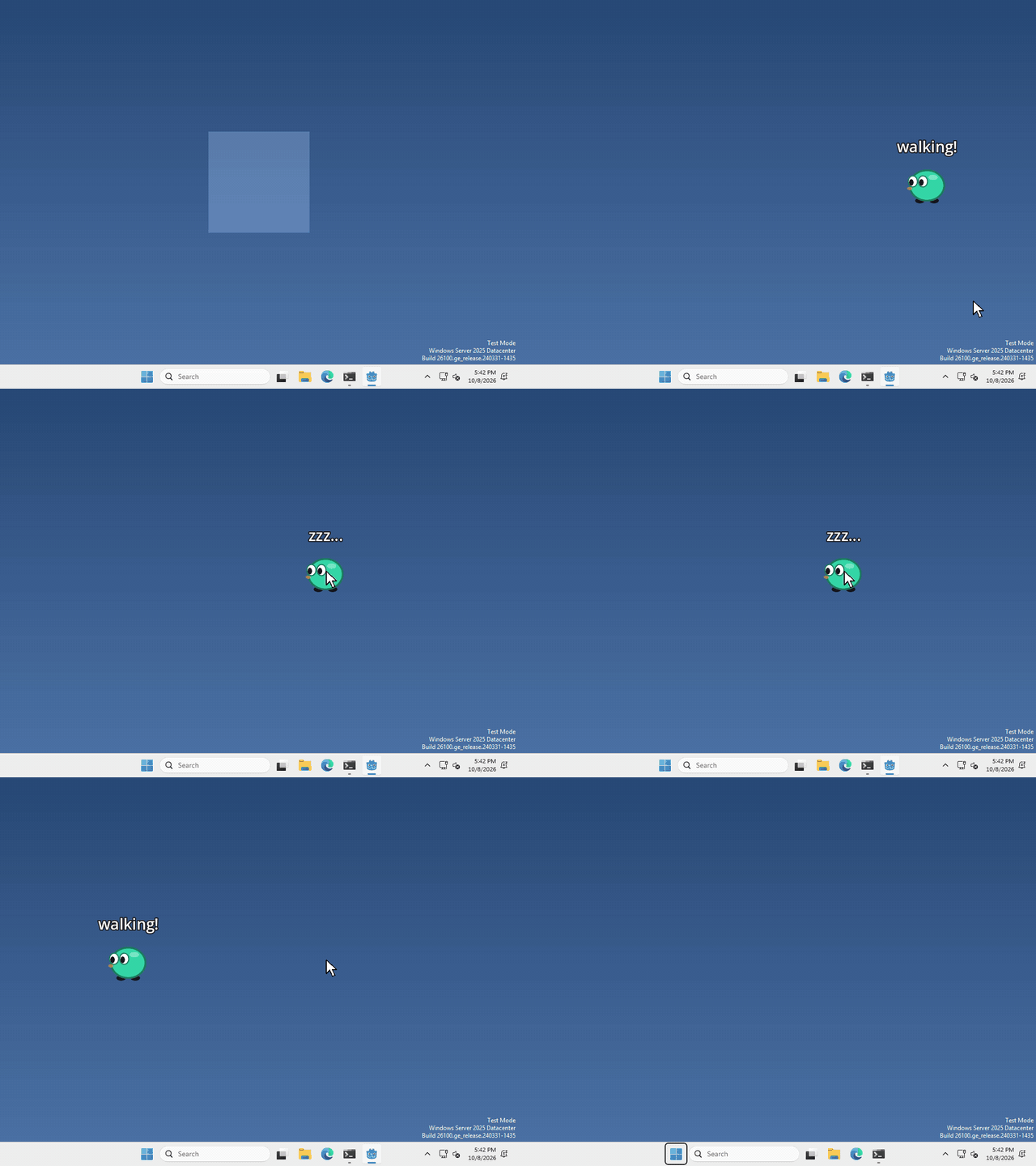 Open the guide to States, in a new tab.
Save and load
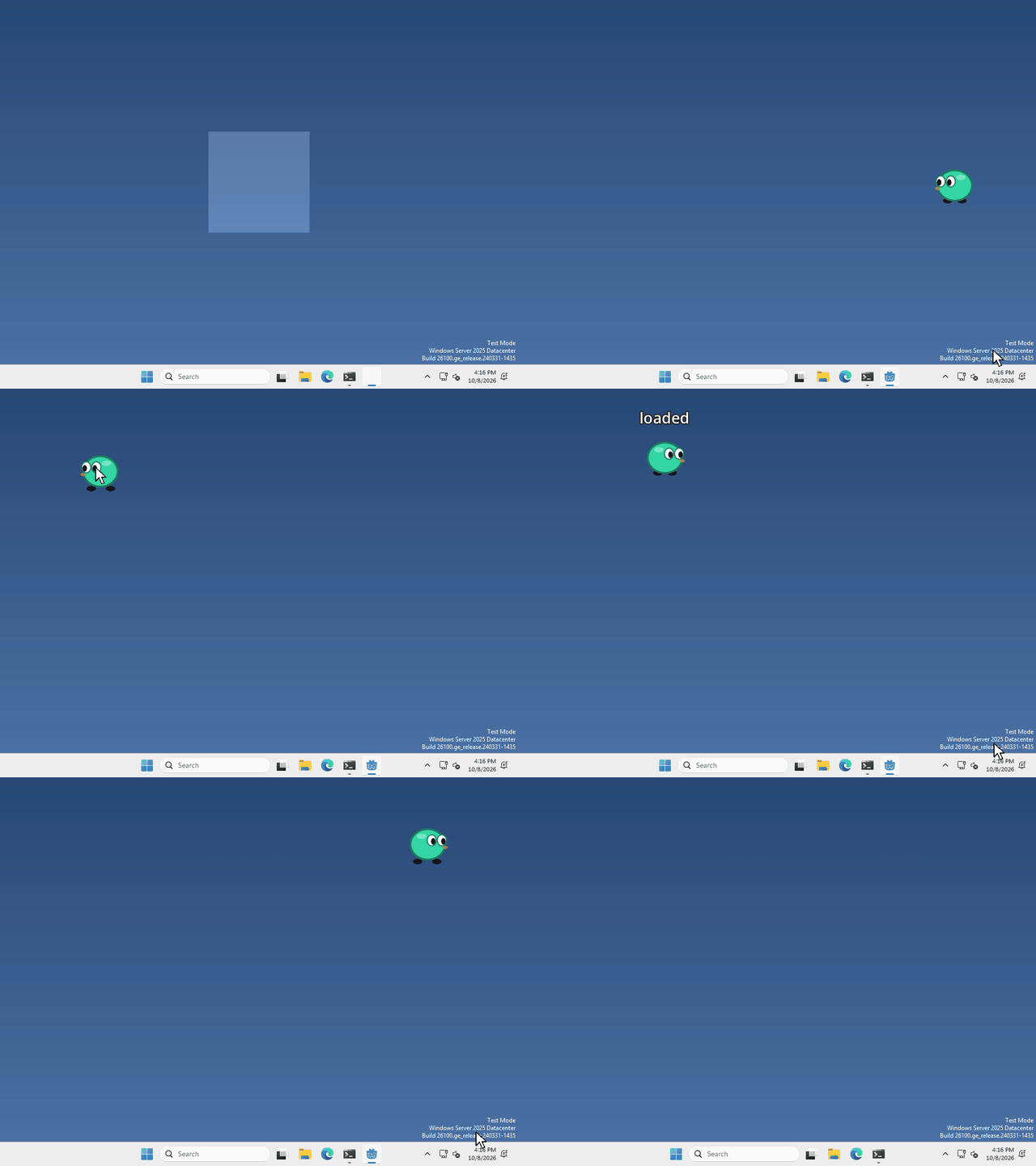 Open the guide to Save and load, in a new tab.
Fall to the taskbar
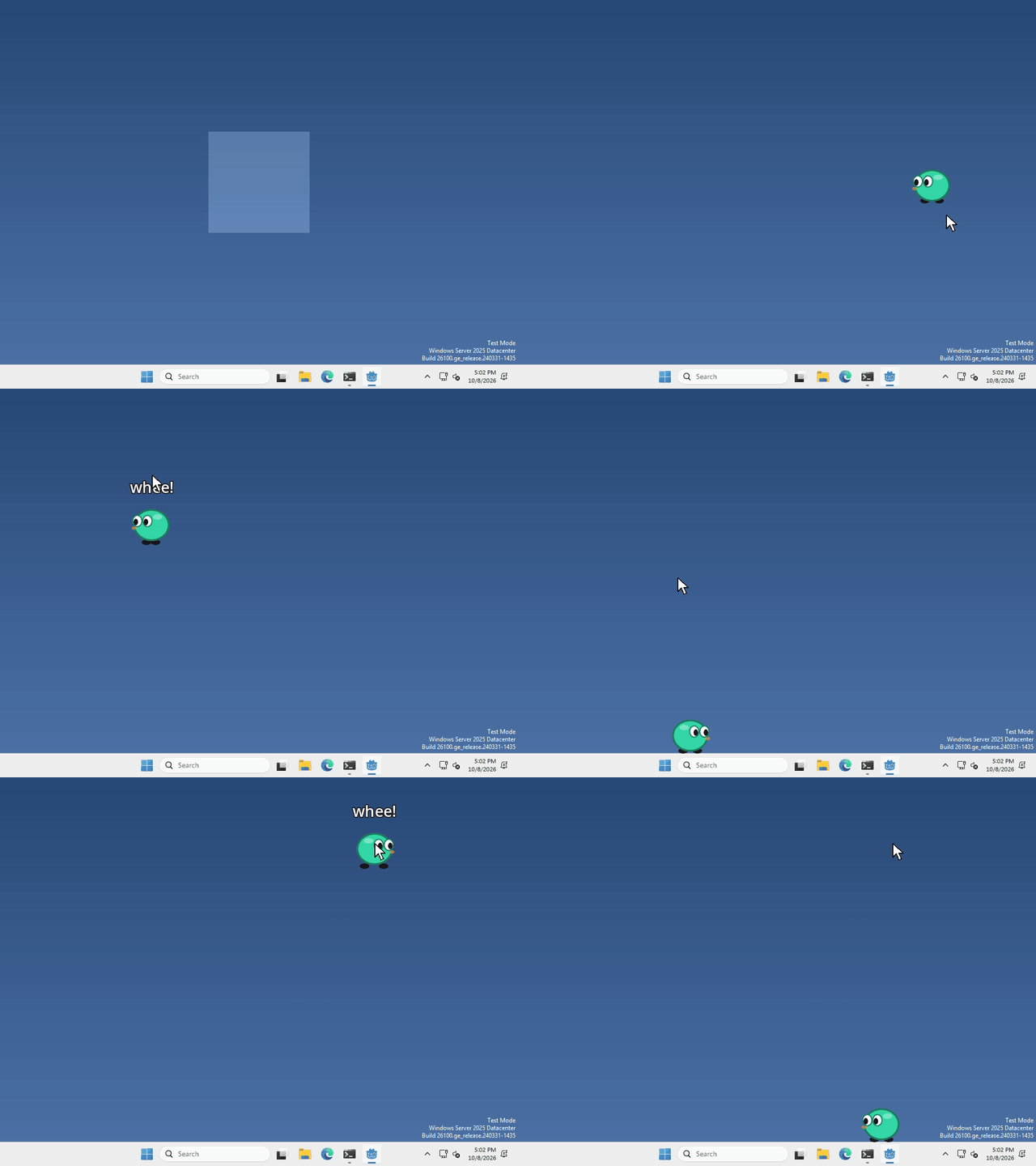 Open the guide to Fall to the taskbar, in a new tab.
Click-through
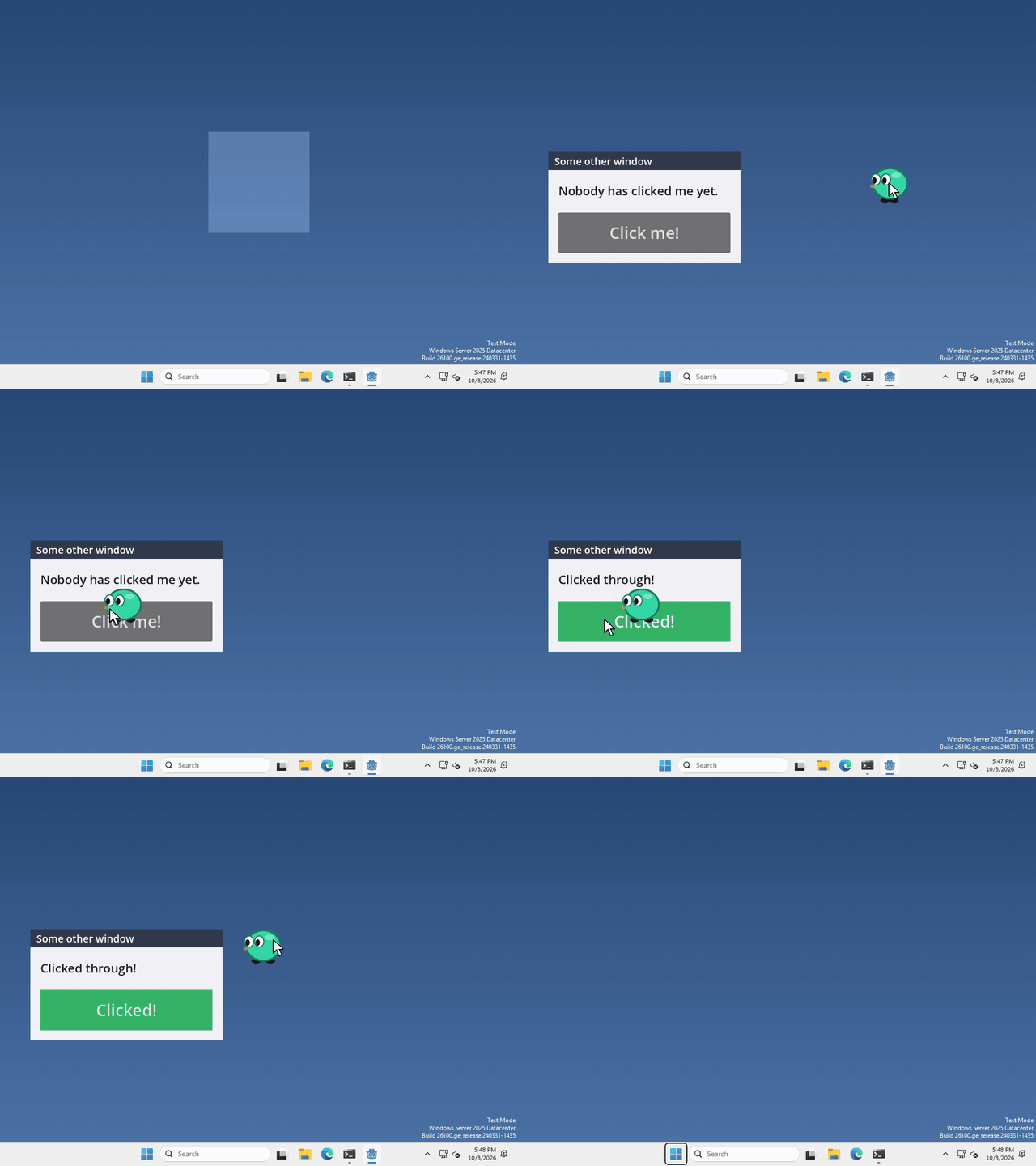 Open the guide to Click-through, in a new tab.
Second window
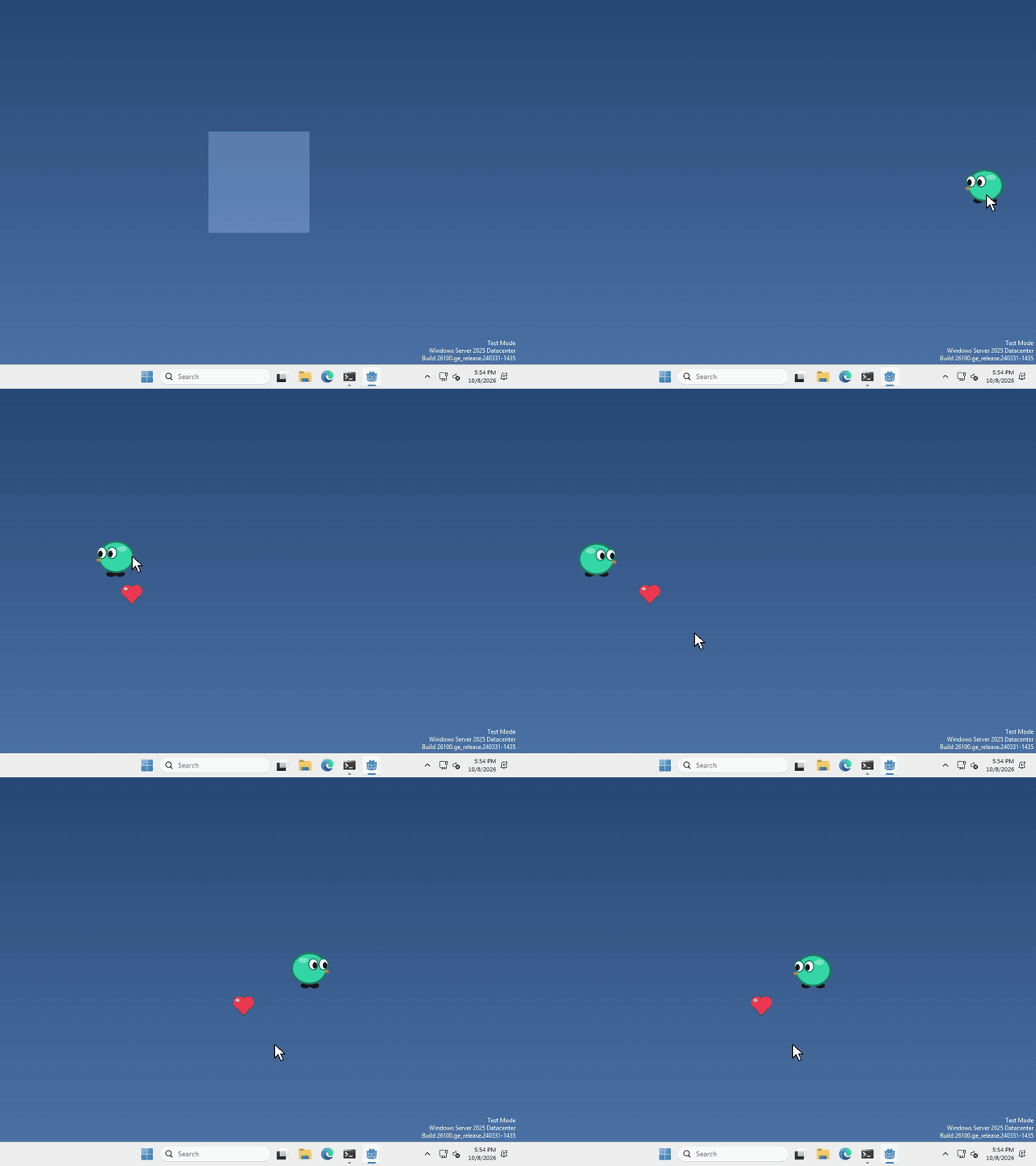 Open the guide to Second window, in a new tab.
Open a website
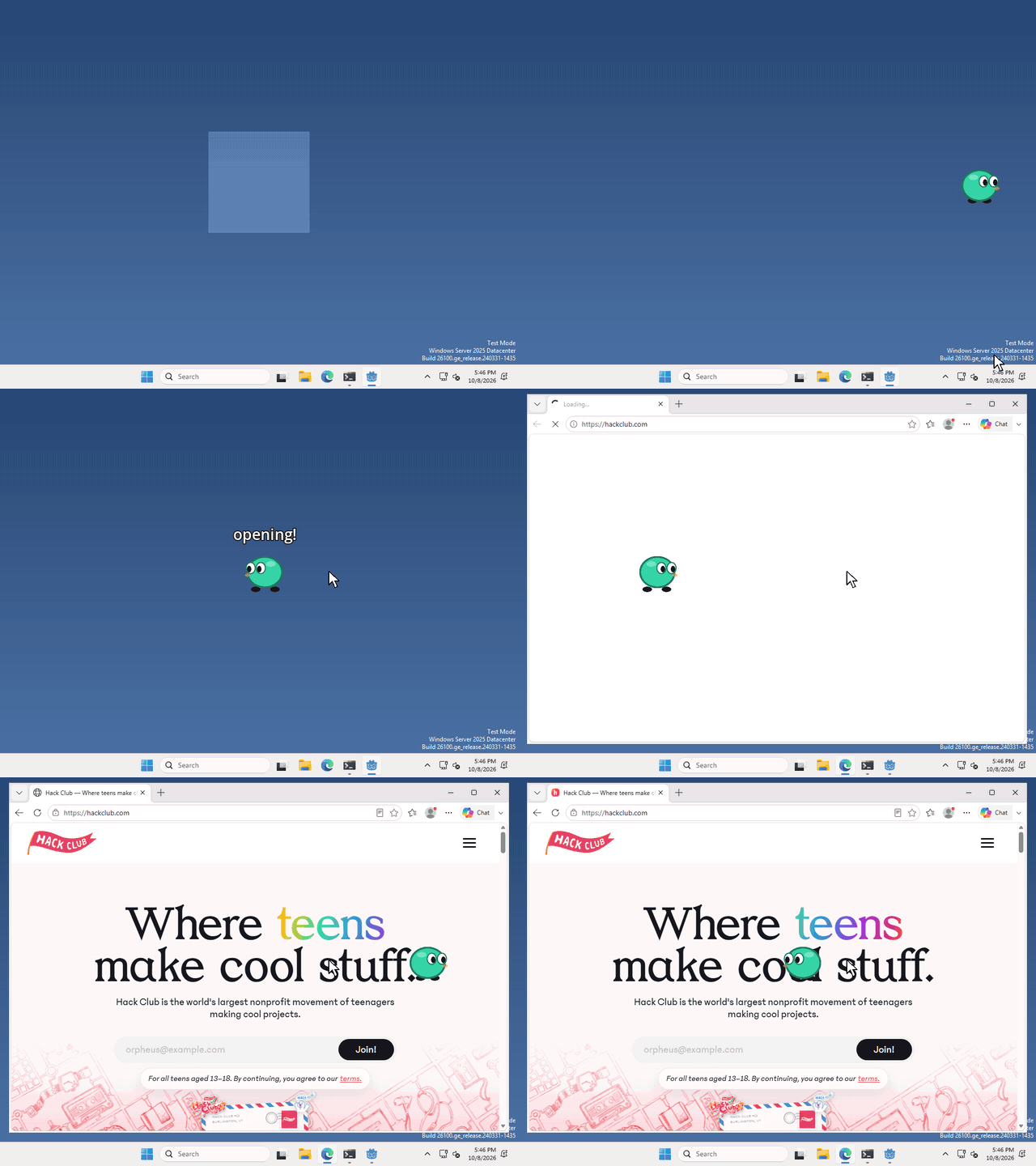 Open the guide to Open a website, in a new tab.
Clipboard
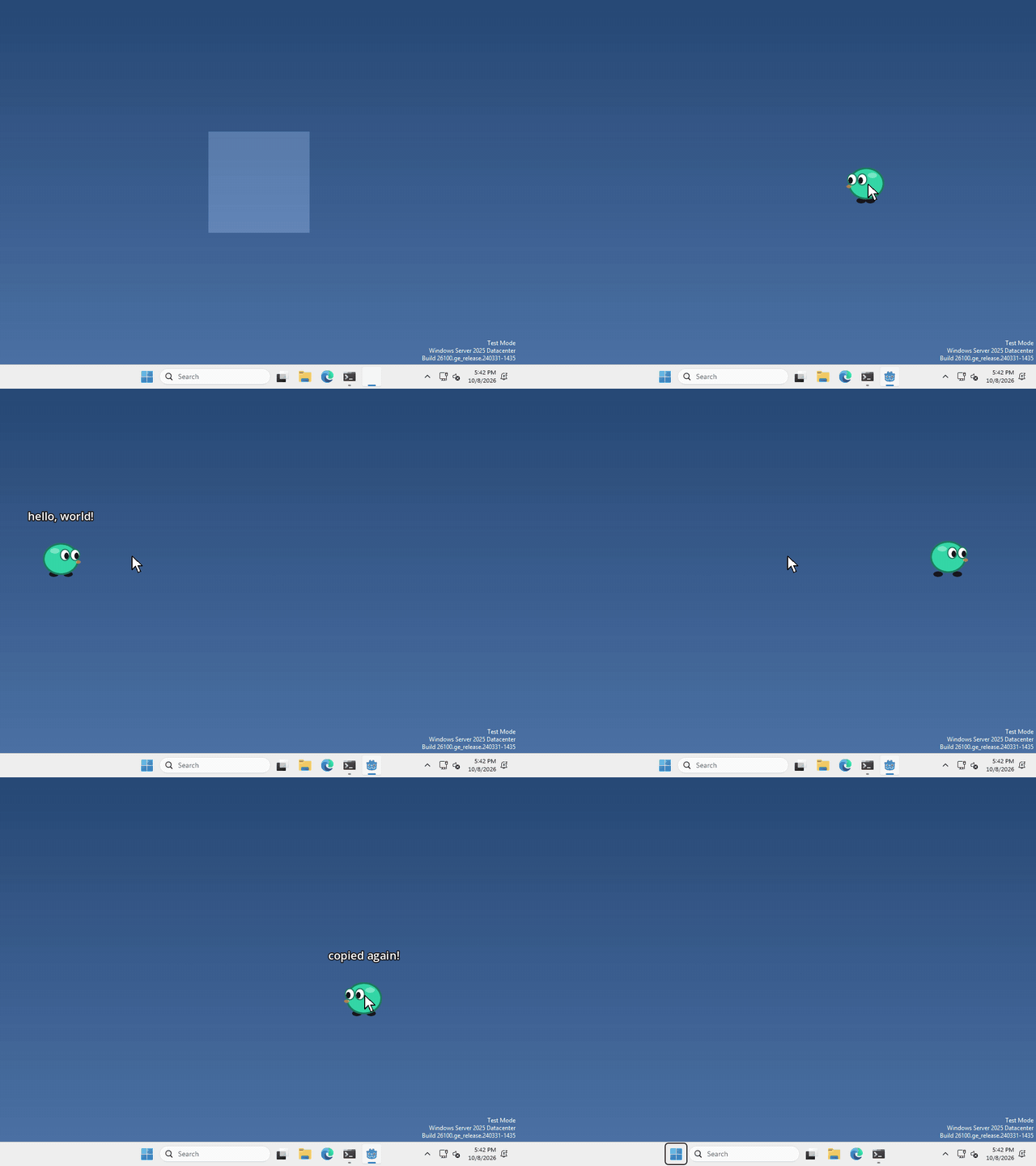 Open the guide to Clipboard, in a new tab.
Text to speech
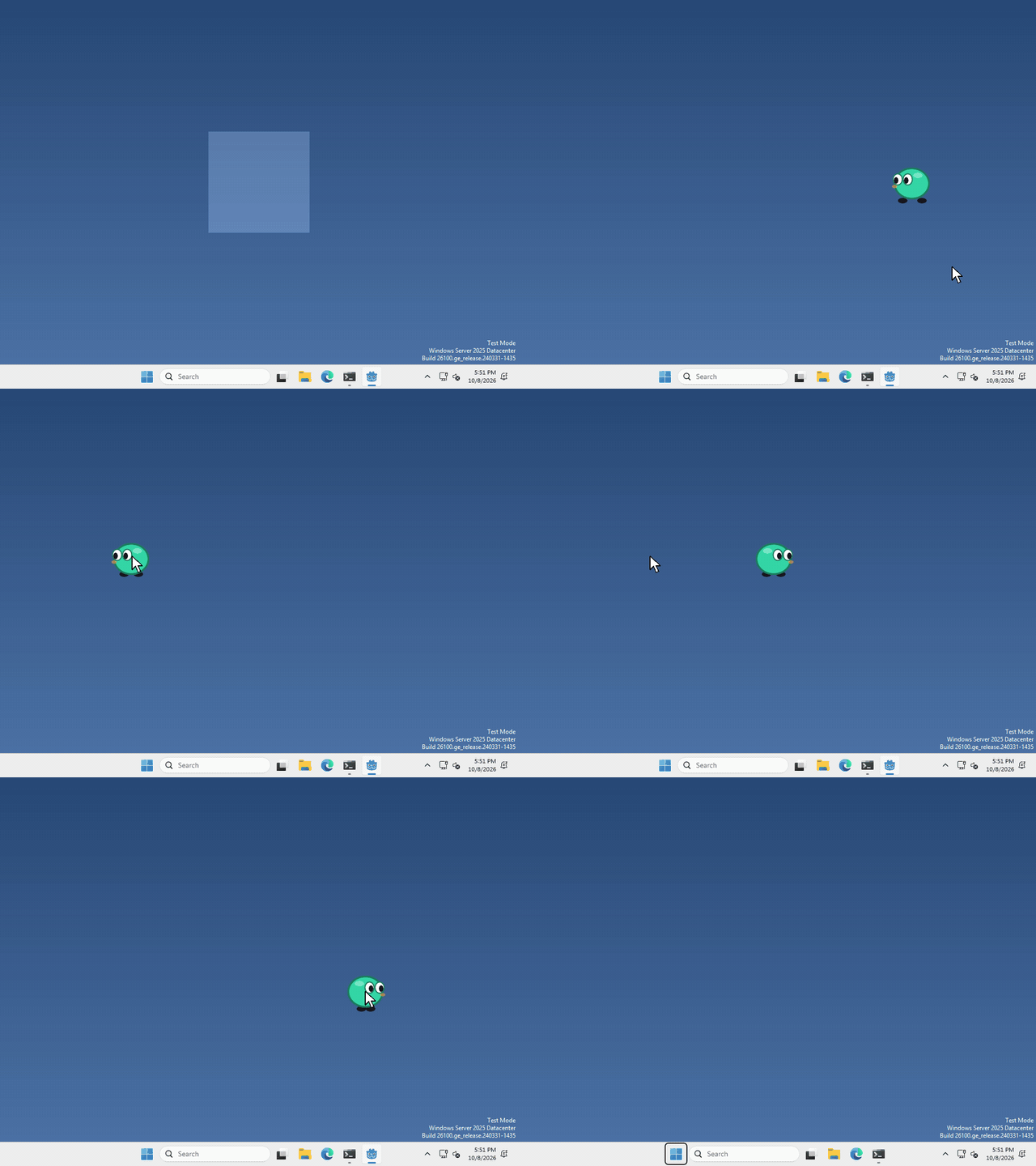 Open the guide to Text to speech, in a new tab.