Let's make our pet remember!
Pets are better when they remember you! In Godot, values are saved to a file, and loaded back, with a ConfigFile.
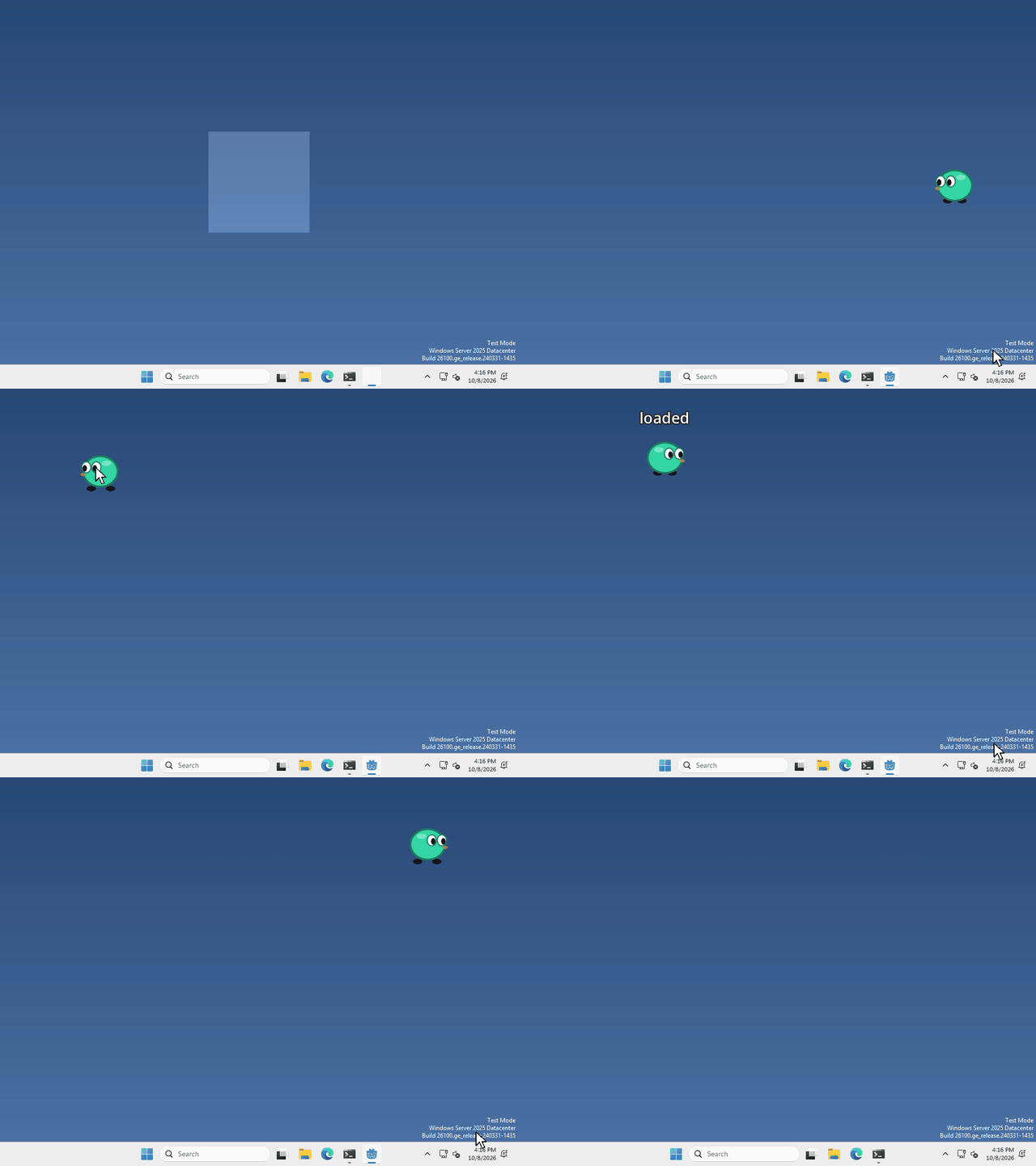
I made mine remember where you left it, so it comes back at the same spot every time you open it, but what your pet remembers is up to you.
Make a ConfigFile
A ConfigFile is a small text file of named values, and it isn’t a node, so there’s nothing to add in the Scene panel. We just make one in code.
Save a value
to save something, put it in the ConfigFile with a section name and a key, then save it to a path, like this
var config = ConfigFile.new()
config.set_value("pet", "name", "Bob")
config.save("user://pet.cfg")
"pet" is the section and "name" is the key, you can save as many values as you want, each with its own key.
Load it back
whenever you want your pet to remember, load the same file and ask for the value by its section and key
var config = ConfigFile.new()
if config.load("user://pet.cfg") == OK:
	var pet_name = config.get_value("pet", "name")
The first time your pet runs there’s no file yet, so load doesn’t return OK. That’s what the if is for!
Where does it go?
user:// is a folder Godot gives your game for its own files, so it’s the place to save. Not res://, that can’t be written to once you export your pet.
Want to see the file? In Godot, click Project > Open User Data Folder, and pet.cfg is plain text.
That’s it!
Want more?
You can save positions, numbers, lists, and a lot more, and even remove values or whole sections. It’s all in the ConfigFile docs, and where user:// is on each computer.