Let’s drop it on the taskbar!
Pets are more fun when they know where the desktop ends! In Godot, you can ask the screen where the usable part stops with DisplayServer.screen_get_usable_rect().
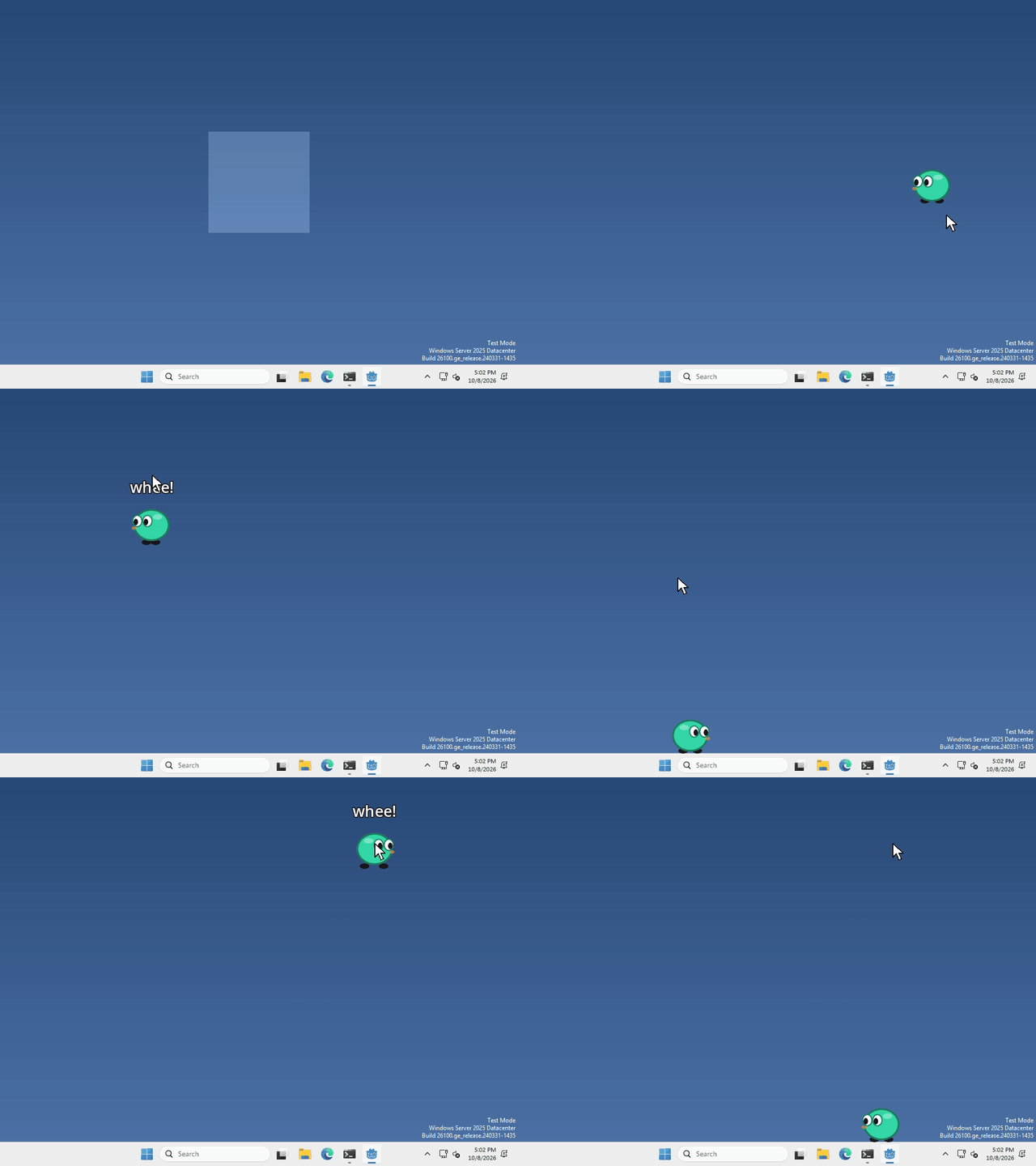
I made mine fall when you drop it, and land on top of the taskbar, but what your pet does with the edge of the screen is up to you.
The whole screen, and the usable part
DisplayServer.screen_get_size() gives you the size of the whole screen, with the taskbar underneath everything.
DisplayServer.screen_get_usable_rect() gives you just the part that isn’t covered up, as a rectangle with a position and a size. On Windows that’s everything above the taskbar (on macOS it leaves out the Dock and the menu bar).
Find the top of the taskbar
the bottom of that rectangle is where the taskbar starts, so to get its y position, run
var usable = DisplayServer.screen_get_usable_rect()
var taskbar_y = usable.end.y
Windows are placed by their top left corner, so to stand your pet on the taskbar, set its window’s y to taskbar_y minus the window’s height. If there’s empty space under your pet’s feet, take that away too.
That’s it!
Want more?
If the taskbar is on the side or the top of the screen, usable.position and usable.size change to match. It’s all in the DisplayServer docs.