Let's throw the pet!
Pets are more fun when you can fling them! There’s no node for this, it’s just a little maths with where the mouse was a moment ago.
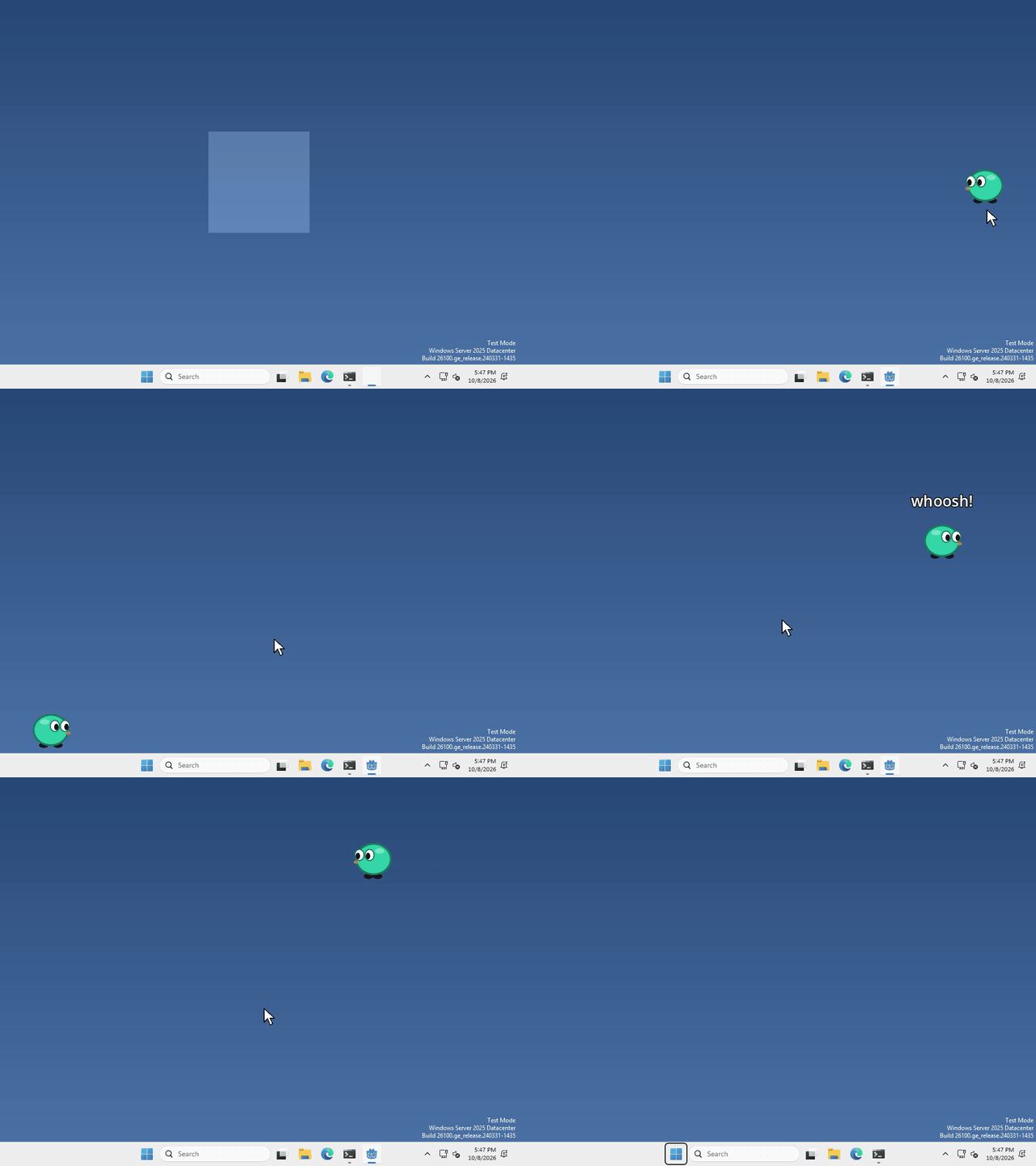
I made mine slide away and slowly stop when you let go, but how far your pet flies, and what it does when it lands, is up to you.
How fast is the mouse?
Speed is just how far something moved, divided by how long it took. Every frame, Godot tells us how long the last frame took in delta, and we can ask where the mouse is with DisplayServer.
keep the mouse’s position from last frame in a variable at the top of your script, like var last_mouse = Vector2(), and the same for var velocity = Vector2(), so it’s still there after you let go.
then, while the pet is being dragged, run
var mouse = Vector2(DisplayServer.mouse_get_position())
velocity = (mouse - last_mouse) / delta
last_mouse = mouse
velocity is a Vector2, so it knows which way the mouse went as well as how fast. It’s in pixels per second.
when you let go, the last velocity you measured is how hard the pet was thrown!
Keep it moving, but slower
after the drop, move your pet by velocity * delta every frame, the same way it already walks.
if that was all, it would fly off forever. To slow it down, pull velocity a little closer to zero each frame with lerp.
velocity = velocity.lerp(Vector2.ZERO, 2 * delta)the bigger the 2, the faster it stops. Once velocity is tiny, set it to zero and let your pet go back to what it was doing.
That’s it!
Want more?
move_toward can slow it down at a steady rate instead, and Vector2 can do a lot more. It’s all in the Vector2 docs, and DisplayServer is in the DisplayServer docs.