Build a desktop pet in Godot
step 6 of 6: Publish
Make it your own!
Don't just follow this guide and change nothing. Make the project your own! Experiment, and do something entirely different.
There are so many things you can do, and this guide is here to show you the ropes so you can do something for yourself.
If you need ideas or help, ask in #Playground we’ll be glad to help!
Export your pet and put it on itch.io
To publish your pet, we need to export your project as a downloadable app and put it on a distribution platform such as itch.io!
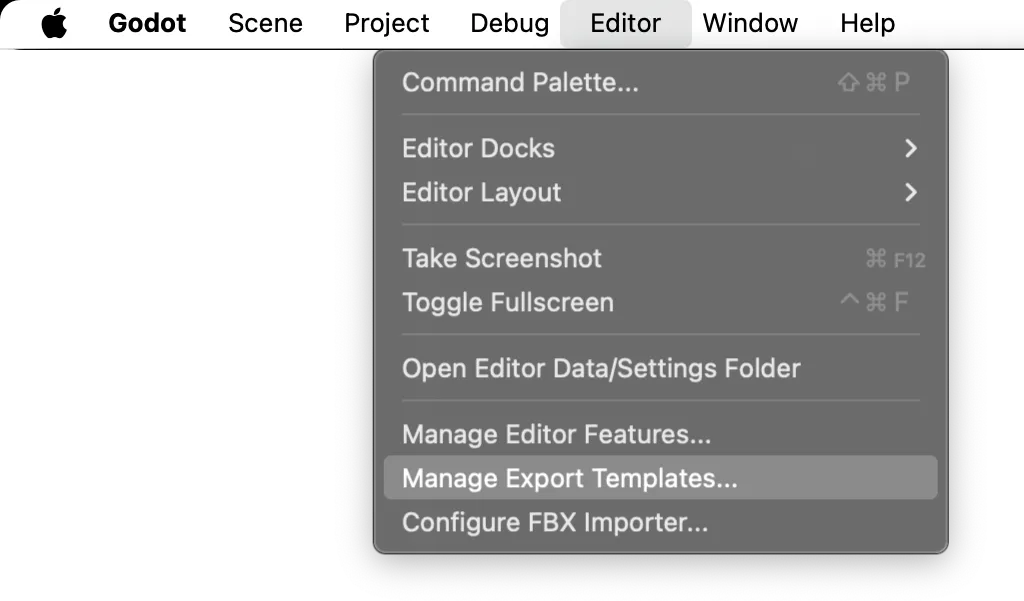
The first step is to install Godot's export templates. Open Editor > Manage Export Templates…
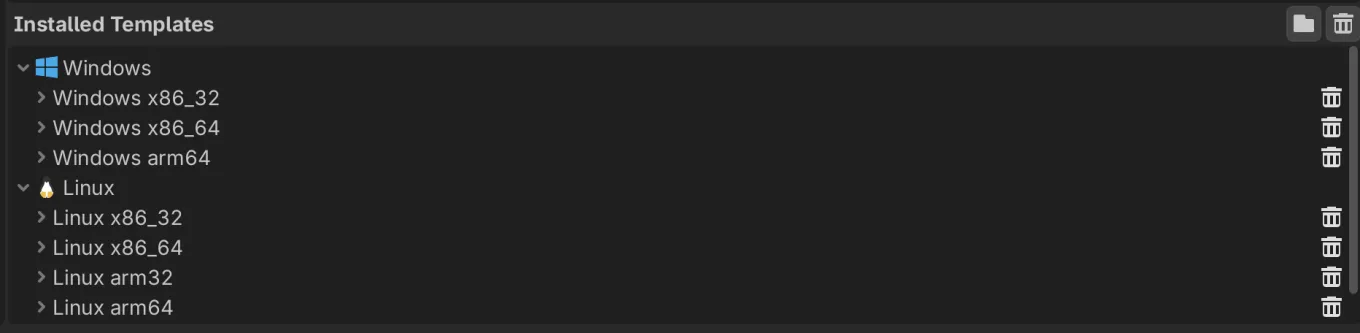
We're exporting for desktop, so select Desktop. When you have the platform you want to publish to selected, click Install Selected Templates.
They should then install and show up under the Installed Templates menu.
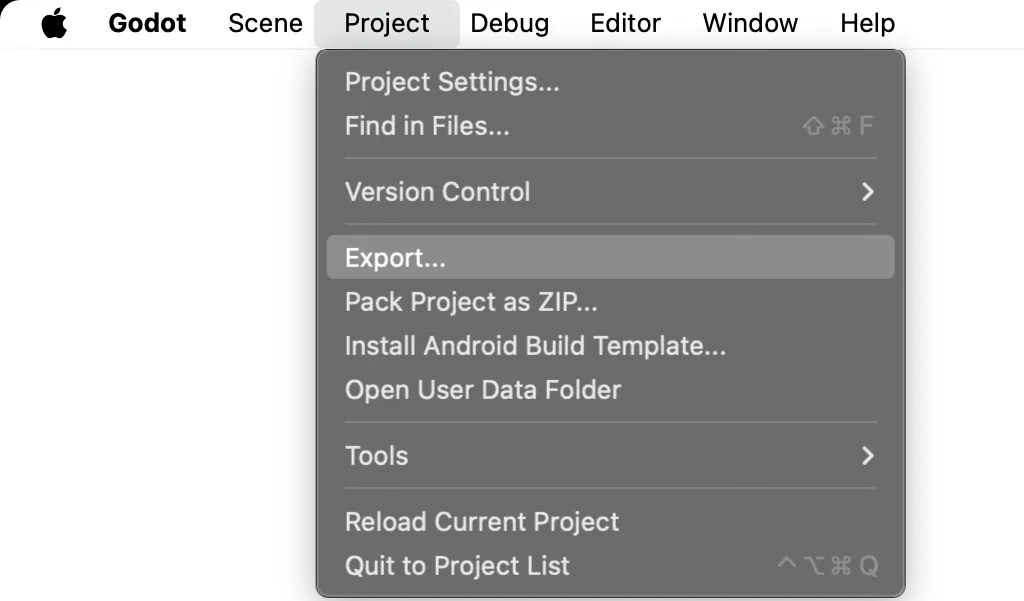
You can now export your project! Open the export menu under Project > Export…
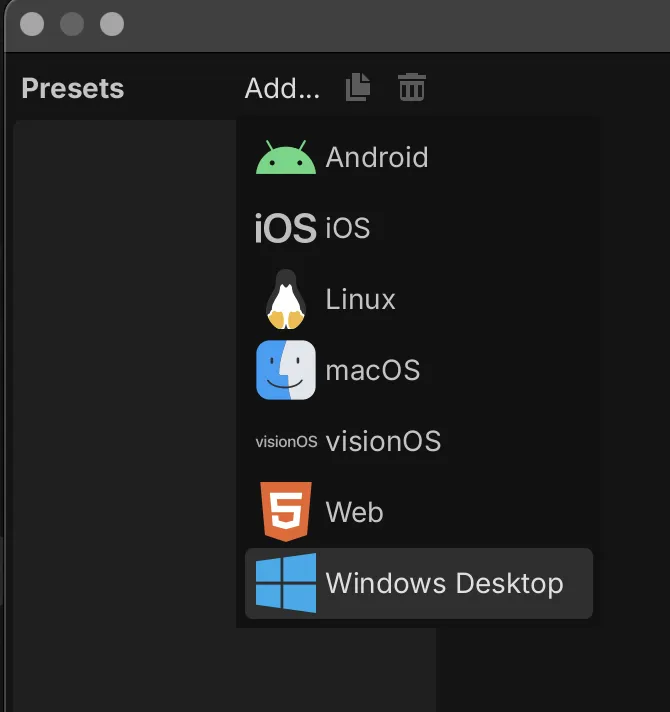
To export for Windows, in the Export window click Add… > Windows Desktop.
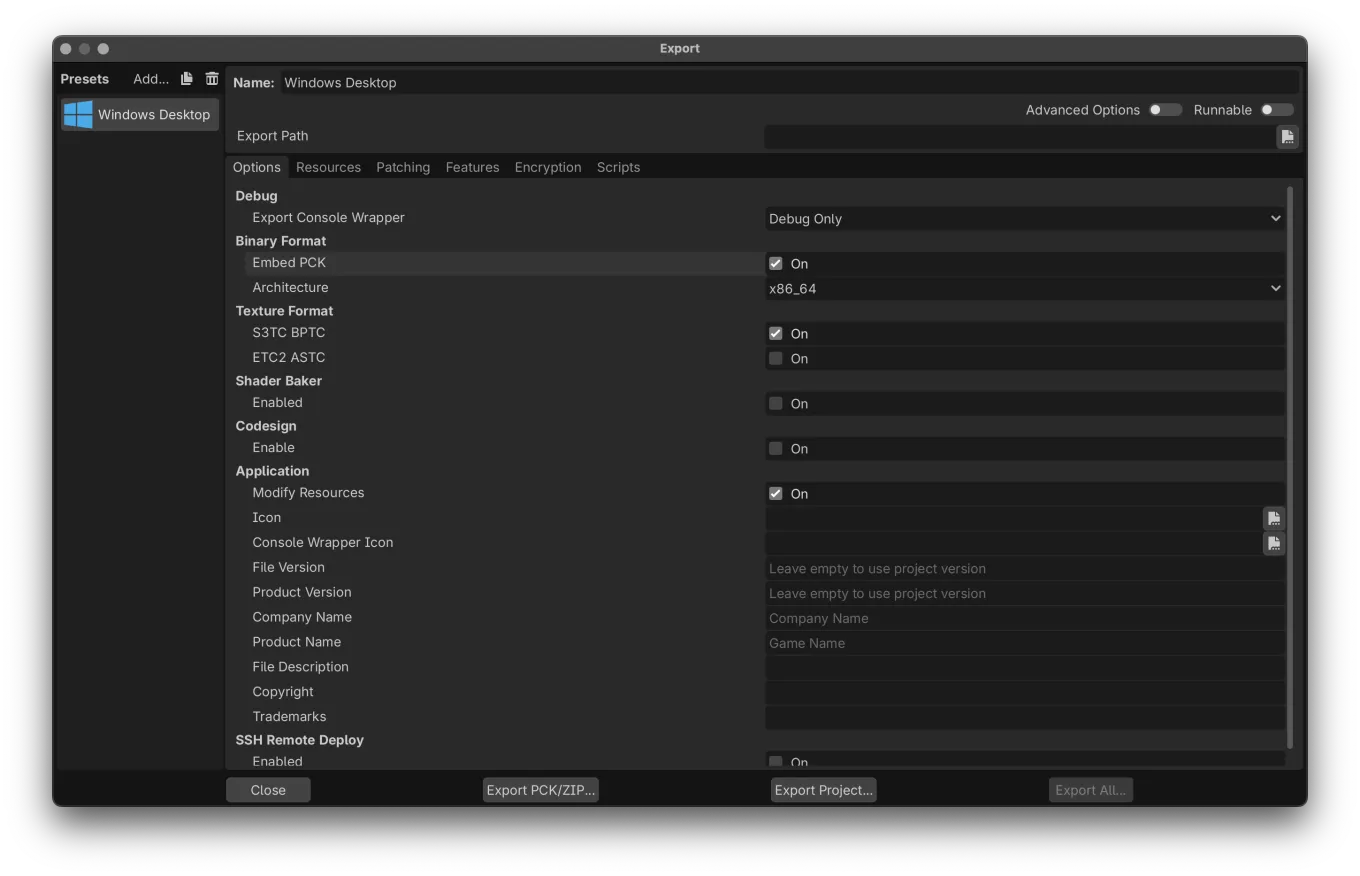
Turn on Embed PCK so the project is only one file.
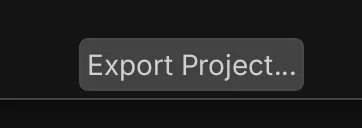
And then click Export Project…

Export to your Downloads, or somewhere else temporary, because you don't want this in your project folder.
It's time to upload your project to itch.io!
- Sign in or create an account on itch.io.
- Open the creator dashboard at itch.io/dashboard
- And create a new project.
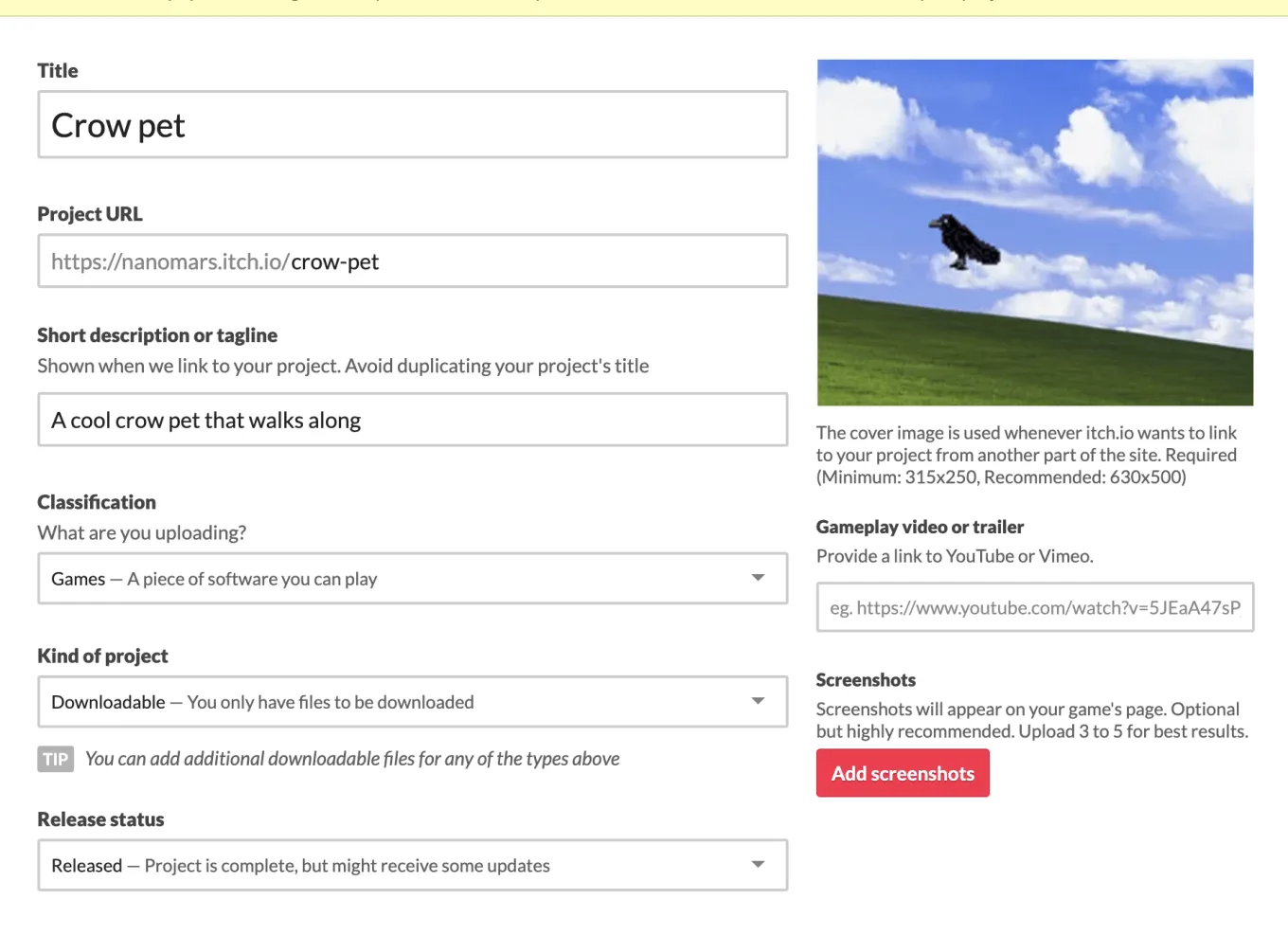
Fill it out!!!! Add a cover image, a tagline, a name and screenshots for the world to see.
Scroll down and upload the playable files.
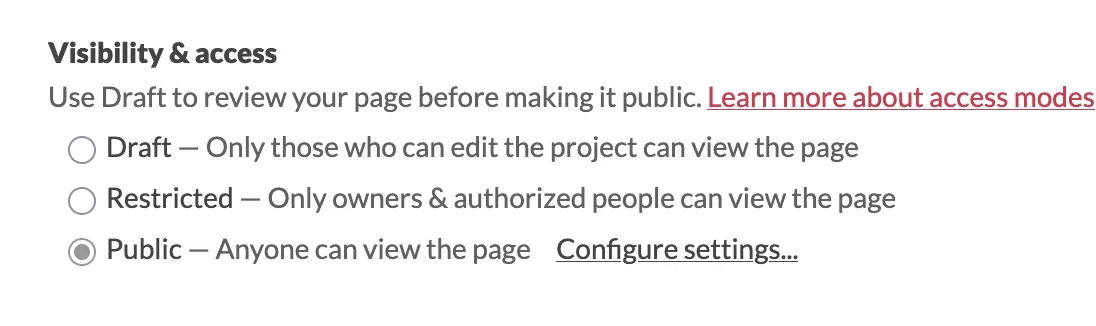
And then set the visibility to public.