Let's make our pet react to a double click!
Pets are more fun when they notice how you click them! In Godot, every mouse click arrives as an InputEventMouseButton, and it knows whether it was a double click.
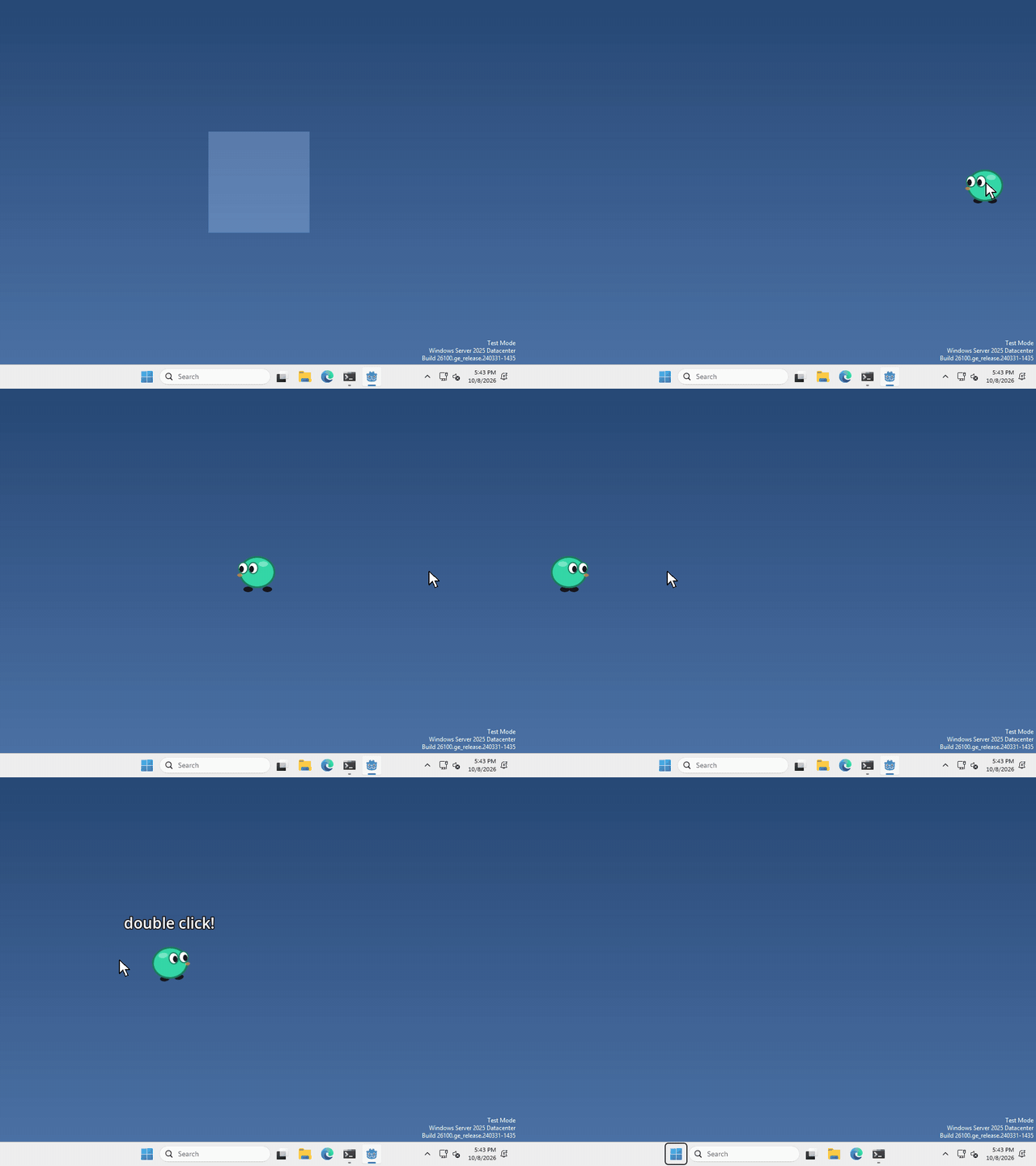
I made mine spin when you double-click it, but what your pet does, and whether it cares, is up to you.
Check for it
A double click isn’t a node, so there’s nothing to add in the Scene panel. We just check for it in code.
put this wherever your pet gets its mouse clicks, like an _input(event) function
if event is InputEventMouseButton and event.pressed and event.double_click:
	print("double click!")
swap the print for whatever you want your pet to do.
pressed makes it run once, when the button goes down. The first click of a double click still arrives as a normal click, so your pet gets both.
That’s it!
Want more?
You can tell which button was clicked, where, and whether keys like Shift were held, and a lot more. It’s all in the InputEventMouseButton docs.