Let's make your pet tell the time!
Pets are more fun when they know what time it is! In Godot, the Time class asks your computer’s clock, so there’s no node to add.
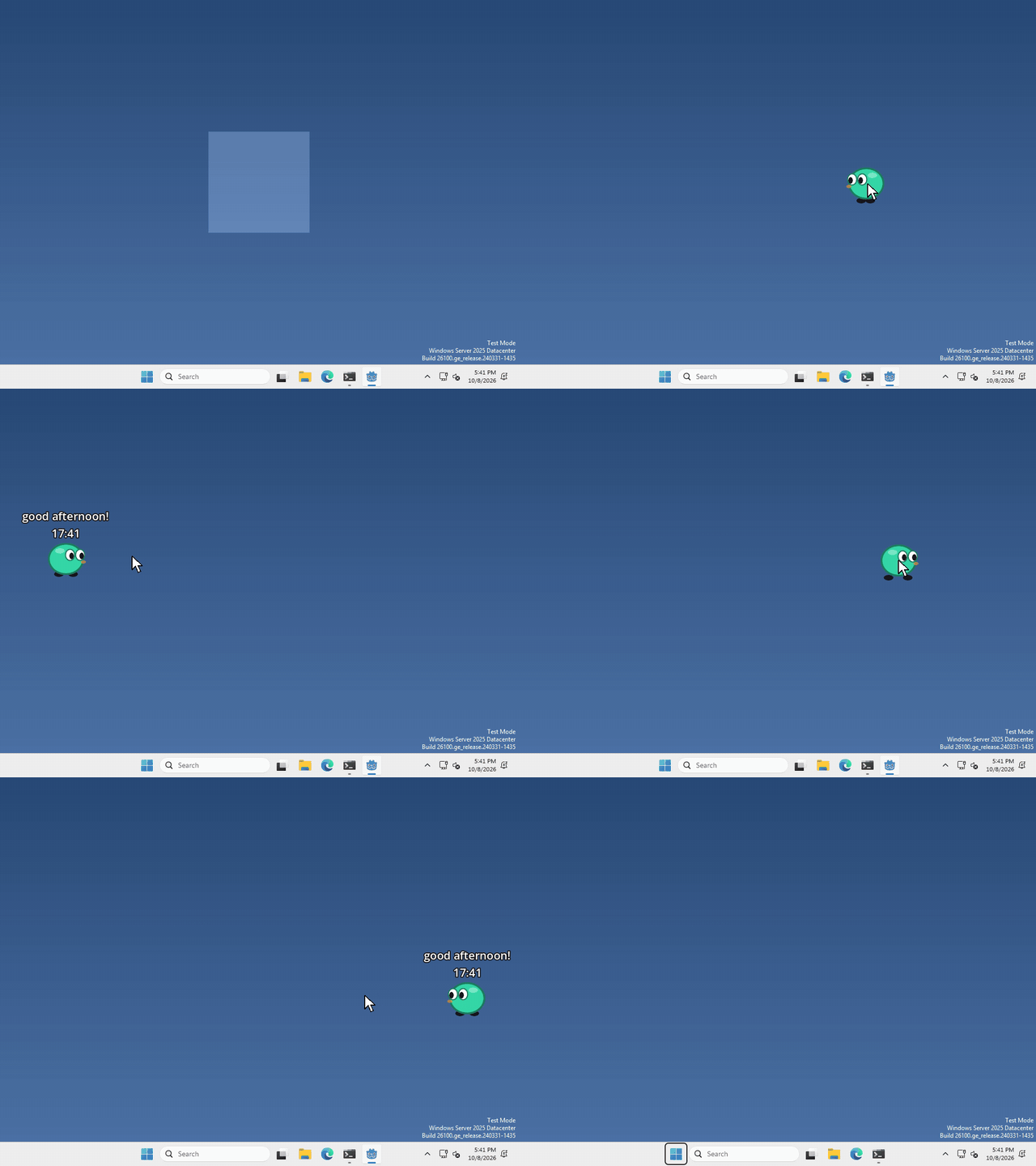
I made mine say good morning, good afternoon or good evening, plus the time, every time you drop it, but what your pet says, and when, is up to you.
Ask the clock
whenever you want to know the time, run
var time = Time.get_time_dict_from_system()time now holds the hour, the minute and the second on your computer right now. time.hour goes from 0 to 23, and time.minute from 0 to 59.
to show it, put it in some text, like a Label:
var time = Time.get_time_dict_from_system()
$Label.text = "%02d:%02d" % [time.hour, time.minute]
the %02d just keeps the zero, so 9:05 doesn’t turn into 9:5.
Is it morning?
time.hour is just a number, so your pet can check it, and say something different in the morning, in the evening, or in the middle of the night.
var time = Time.get_time_dict_from_system()
if time.hour < 12:
	$Label.text = "good morning!"
What day is it?
the clock knows the day too, it’s in a bigger dictionary:
var day = Time.get_datetime_dict_from_system().weekdayday is a number, 0 is Sunday and 6 is Saturday.
That’s it!
Want more?
You can get the date, the time in UTC, a timestamp, and a lot more. It’s all in the Time docs.