Let's make some noise!
Pets are more fun when they make sounds! In Godot, sounds are played by an AudioStreamPlayer node.
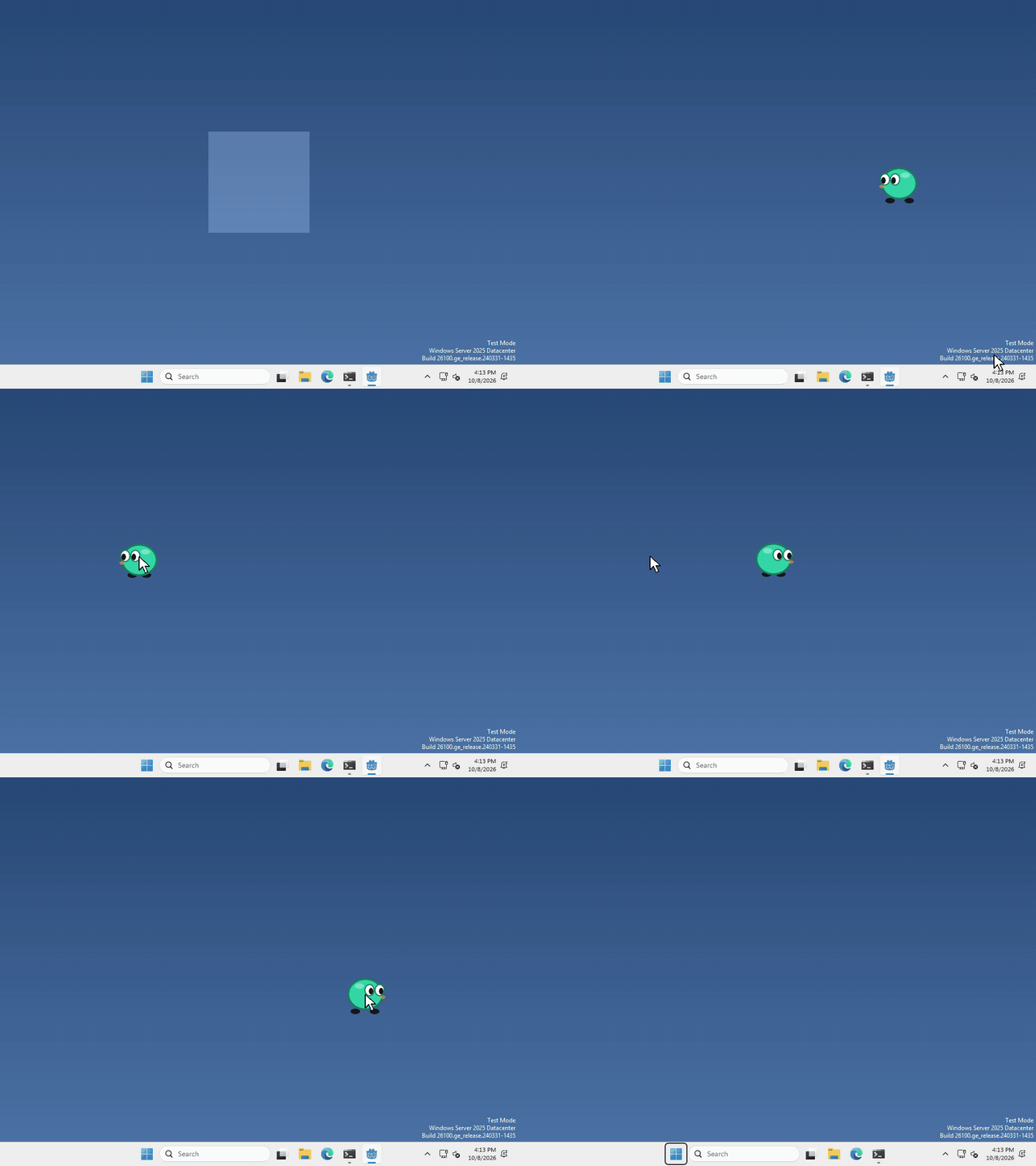
I made mine go boop every time you drop it (listen here), but what your pet plays, and when, is up to you.
Add an AudioStreamPlayer
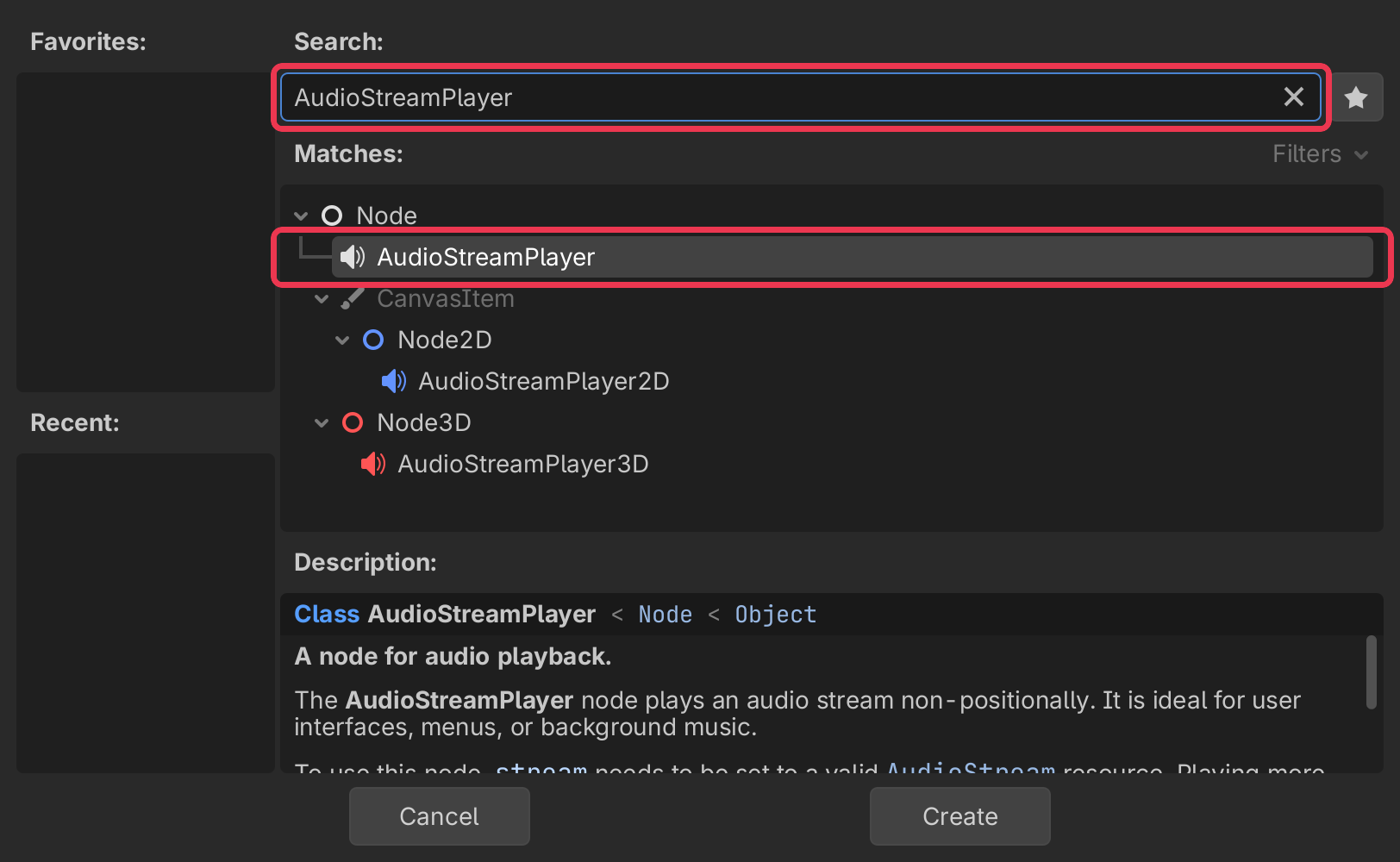
In the Scene panel (top left), click + to add a new node.
type AudioStreamPlayer into the search bar, select it, and click Create.
Give it a sound
import your sound into your project’s FileSystem, you can do this by just dragging it in, the same way you did your sprites. .wav, .ogg and .mp3 all work.
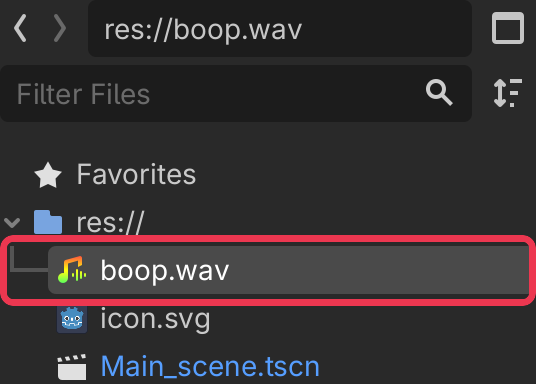
then select your AudioStreamPlayer, and drag your sound onto Stream in the inspector on the right.
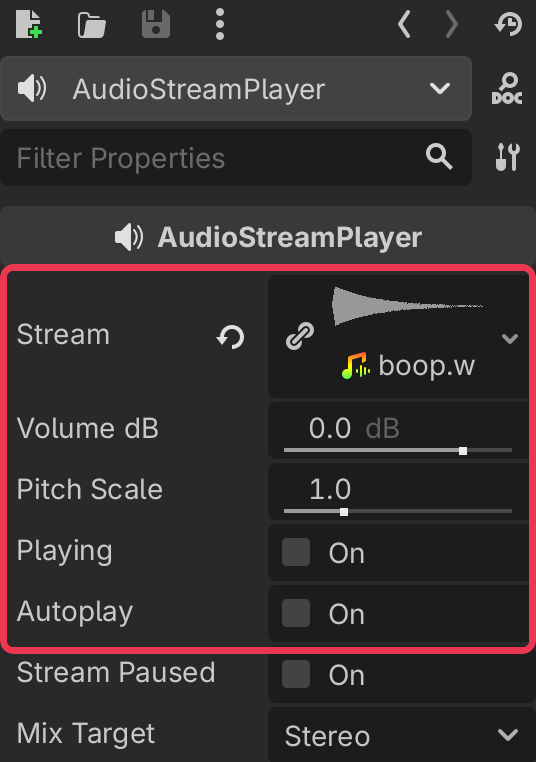
Don’t have a sound? You can make retro ones at sfxr.me, record your own, or find some on kenney.nl or freesound.org as long as the license allows for it.
Play it
whenever you want your pet to make its sound, run
$AudioStreamPlayer.play()That’s it!
Want more?
You can change the volume, change the pitch, loop it, stop it, and a lot more. It’s all in the AudioStreamPlayer docs.